A “no hassle” Linux install for VMware Worksation 6.5

  • License

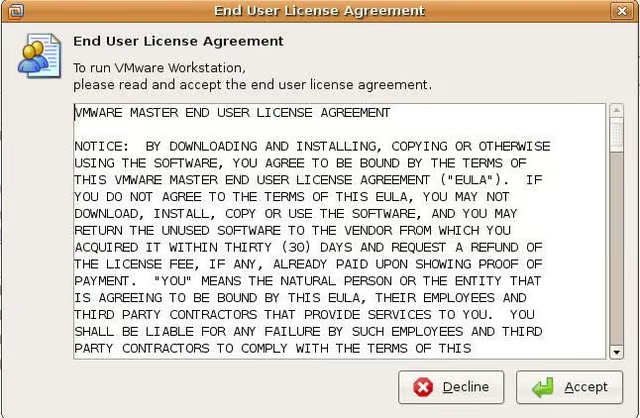
    Next,agree to the license and click Next.

  • Virtual Debugger

    Choose a path and click Next.

  • Install.

    Click Install and the installer does the rest.

  • Progress Bar

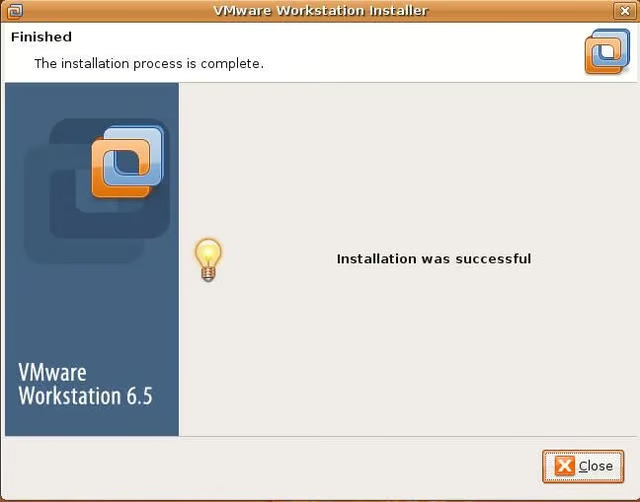
  • Installation is complete

    The Linux installer does the rest and configures Workstation 6.5. It is the easiest Linux install for Workstation I have seen. What do you think?

  • Accept the license

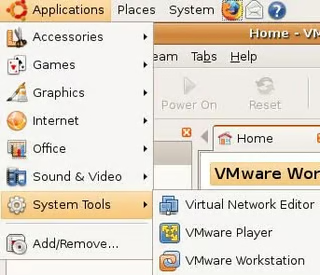
  • Running VMware Workstation

    You can now start VMware Workstation from Application | System Tools | VMware Workstation.

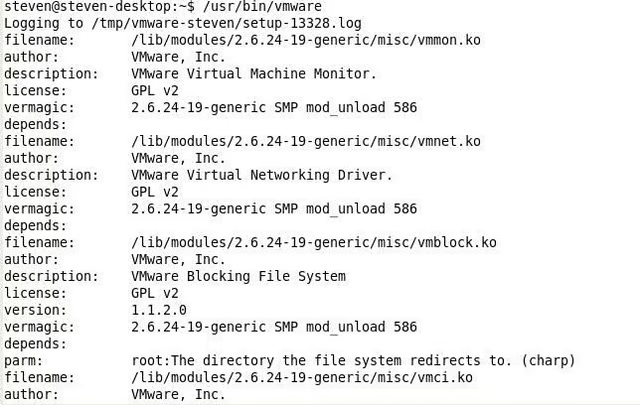
  • Terminal Window

    You can still run VMware Workstation by opening up a Terminal window and typing /usr/bin/vmware.

1 of 8
Steven S. Warren

Steven S. Warren lives in sunny Florida. His articles and blogs have appeared on websites such as CIO Update, DevX, TechRepublic, SearchTechTarget, Datamation and DatabaseJournal. With more than 15 years of experience writing about…