Configuring a Dual Desktop Display in Windows Vista

  • 39902.jpg

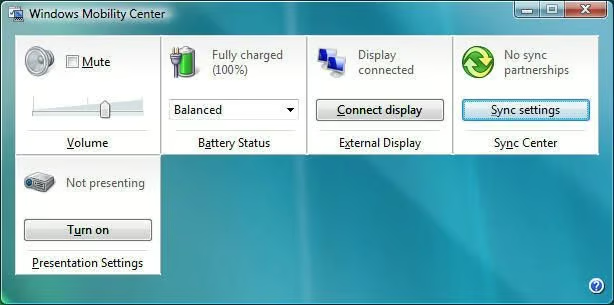
    Windows Mobility Center

    This gallery gives you an overview on how to configure a dual desktop display in Windows Vista. Learn more about this process by reading the related post in the Window on Windows blog.

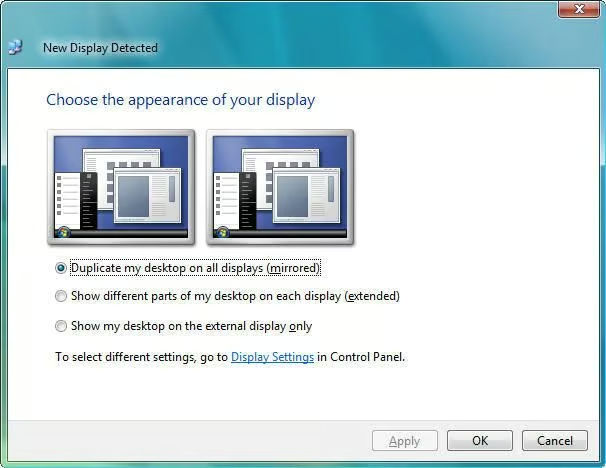
    You can easily connect a dual monitor configuration by using the Windows Mobility Center. Simply click Connect Display and the detection wizard appears.

  • Automatic Detection

    A dual desktop display is automatically detected in Windows Vista.

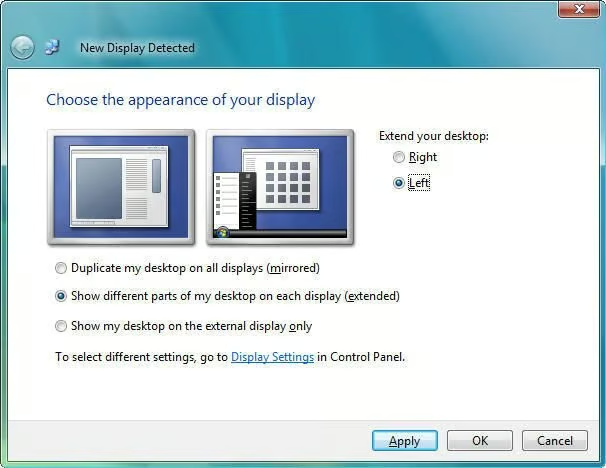
  • Dual Desktop Detection

    A dual desktop display is automatically detected in Windows Vista.

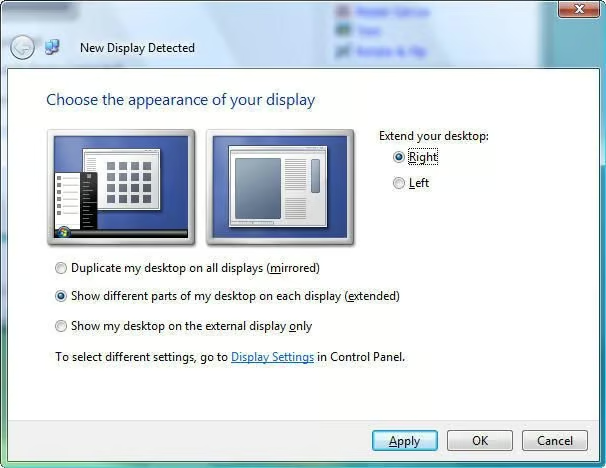
  • Dual Desktop Detection

    A dual desktop display is automatically detected in Windows Vista.

1 of 4
Steven S. Warren

Steven S. Warren lives in sunny Florida. His articles and blogs have appeared on websites such as CIO Update, DevX, TechRepublic, SearchTechTarget, Datamation and DatabaseJournal. With more than 15 years of experience writing about…