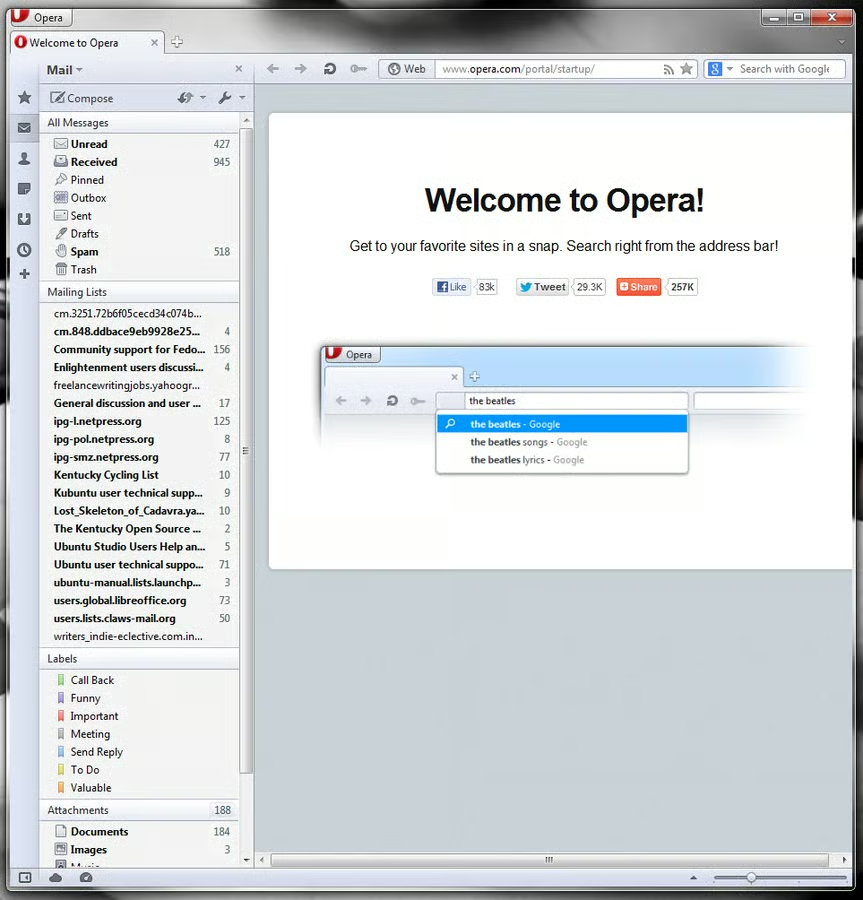
Opera Mail 1
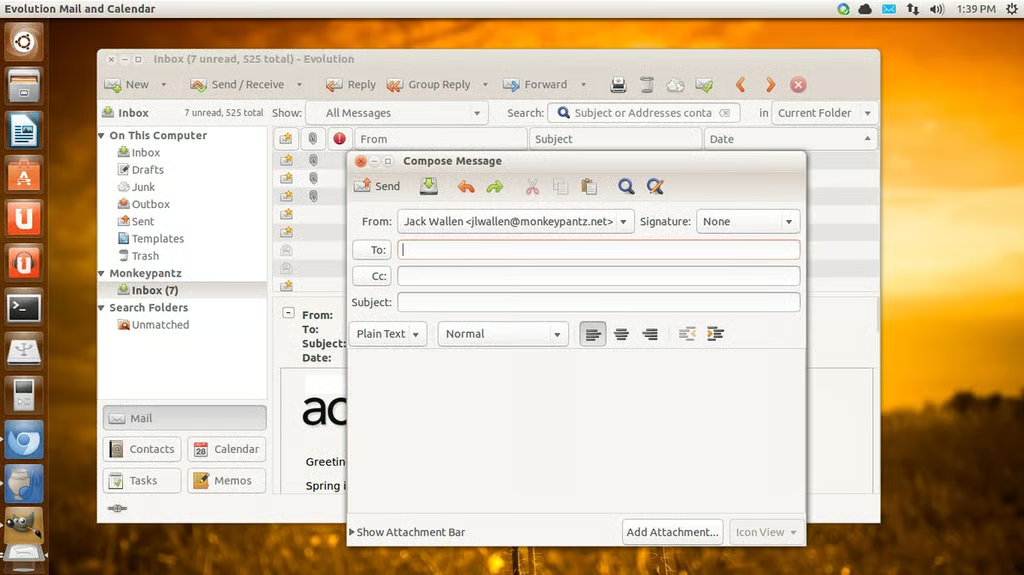
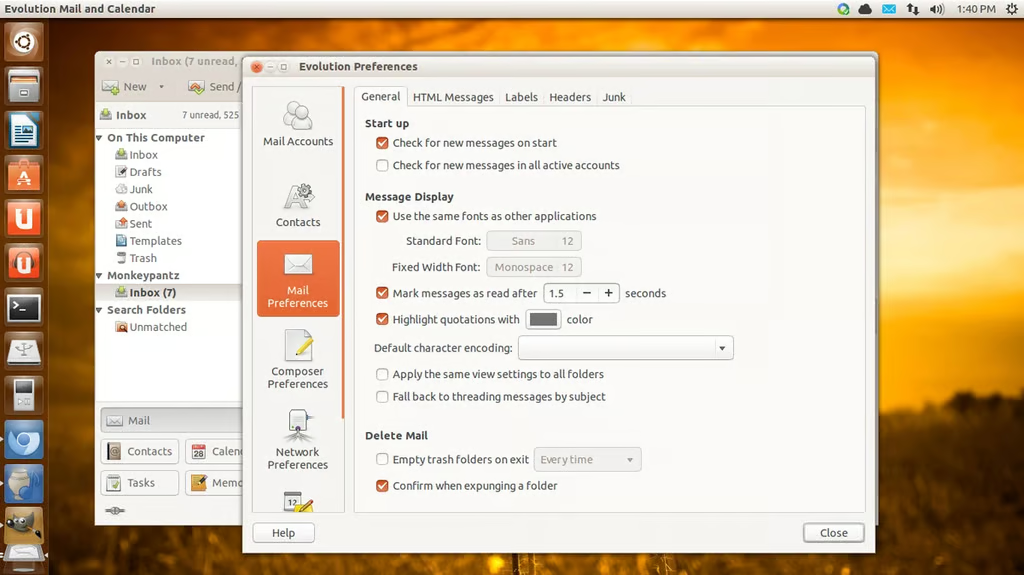
\n\tThis screenshot gallery is also available as a post in the TechRepublic Five Apps Blog.
\n
\n\tOutlook is one of the most widely used email clients in the business world. But with more smaller-sized companies starting to migrate to other, cheaper, solutions a lot of users are finding email clients that handle the tasks, without the headaches (and cost) that often accompany Outlook.
\n
\n\tEmail clients offer a variety of features; some features map perfectly to Outlook, some may not. Some email clients offer calendars, some stick with just the basics. In the end, what’s important is that you find a client not only offers you what you need, but does so reliably and within your budget. I’ve found five solid email clients to help you migrate away from Outlook. Give these a look and see which one(s) might work.
\n
\n\t\n\n
\n
\n\tFive Apps
\n
\n\t1 Opera Mail
\n
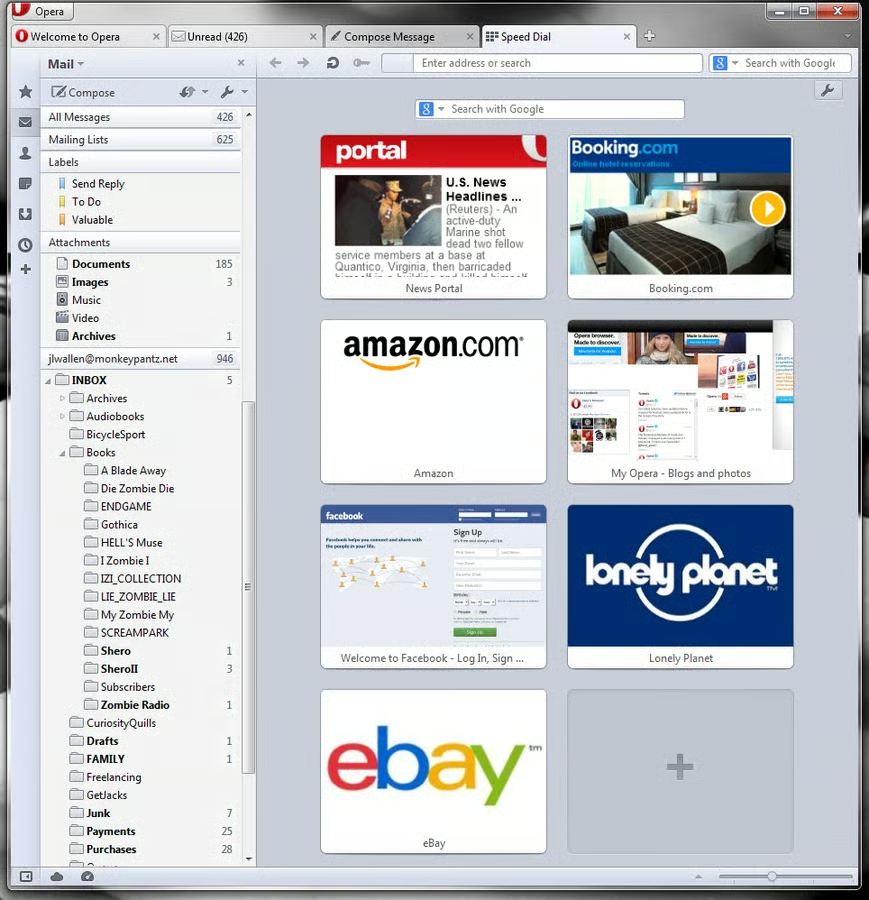
\n\tOpera Mail is one of those clients that surprise a lot of people. Most have heard of the Opera browser, few know about the mail client. That is a shame as Opera Mail is quite solid, supports POP, IMAP (no Exchange support), newsgroups, RSS, and Atom feeds.
\n
\n\tCredit: Images by Jack Wallen for TechRepublic