Hands-on with the AT&T HTC Inspire 4G

  • HTCInspire01.jpg

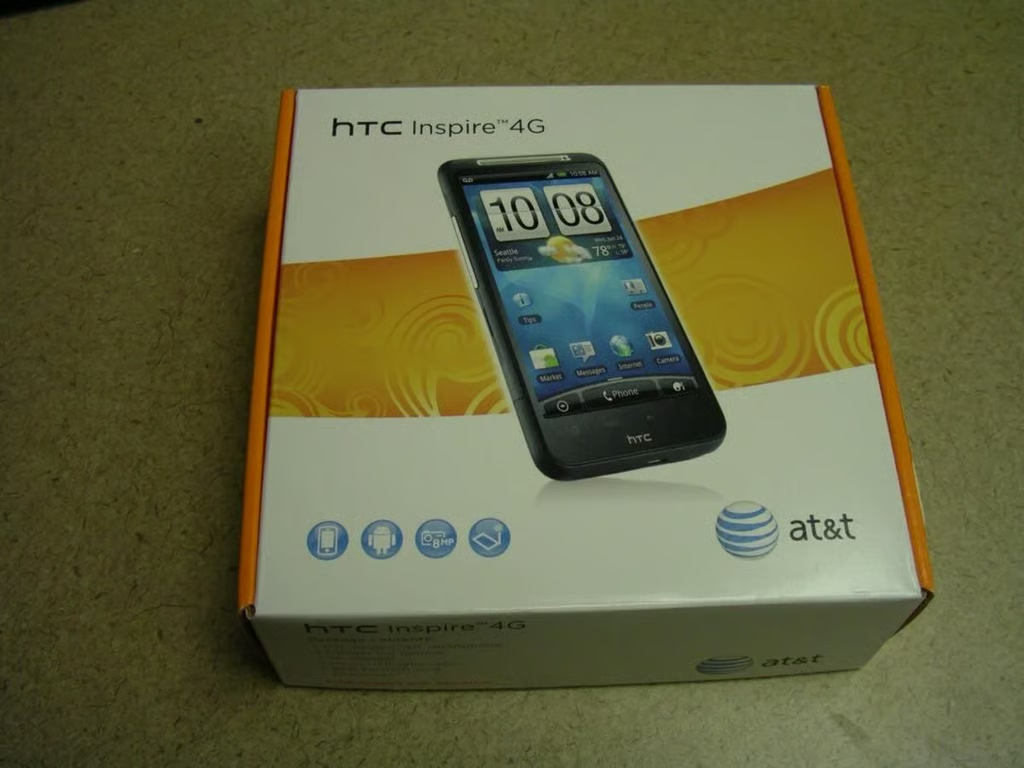
    HTC Inspire 4G retail box

    \n\tThe retail box is pretty compact and yet typical for AT&T devices in the orange and white box.

    \n

    \n\tCheck out my full review on ZDNet Smarphones & Cell Phones.

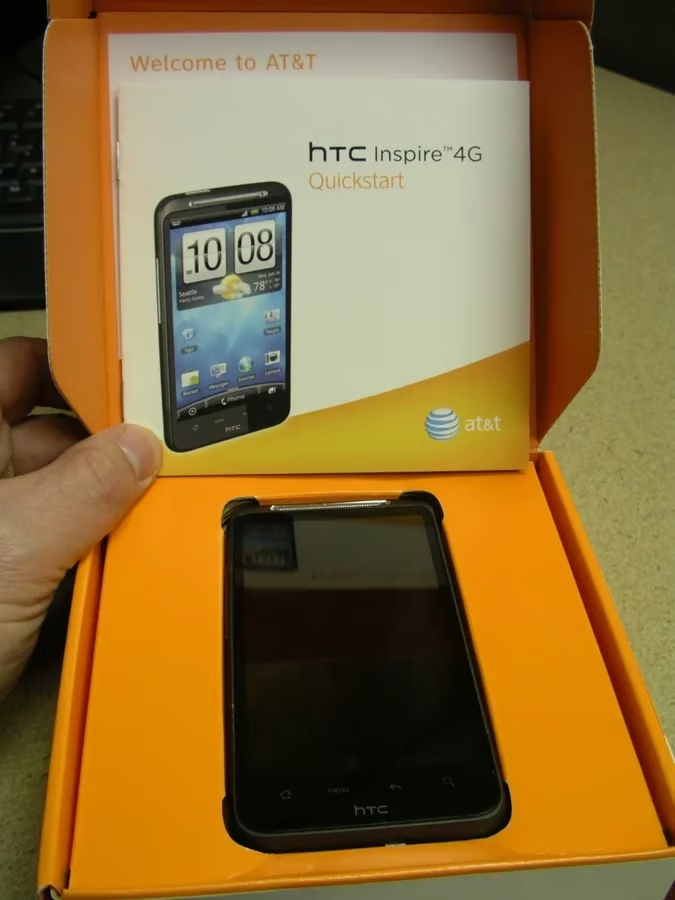
  • Opening up the retail box

    \n\tWhen you lift up the front cover of the box you will find the Inspire 4G under the Quick Start Guide.

    \n

    \n\t 

    \n\n

    \n\tCheck out my full review on ZDNet Smarphones & Cell Phones.

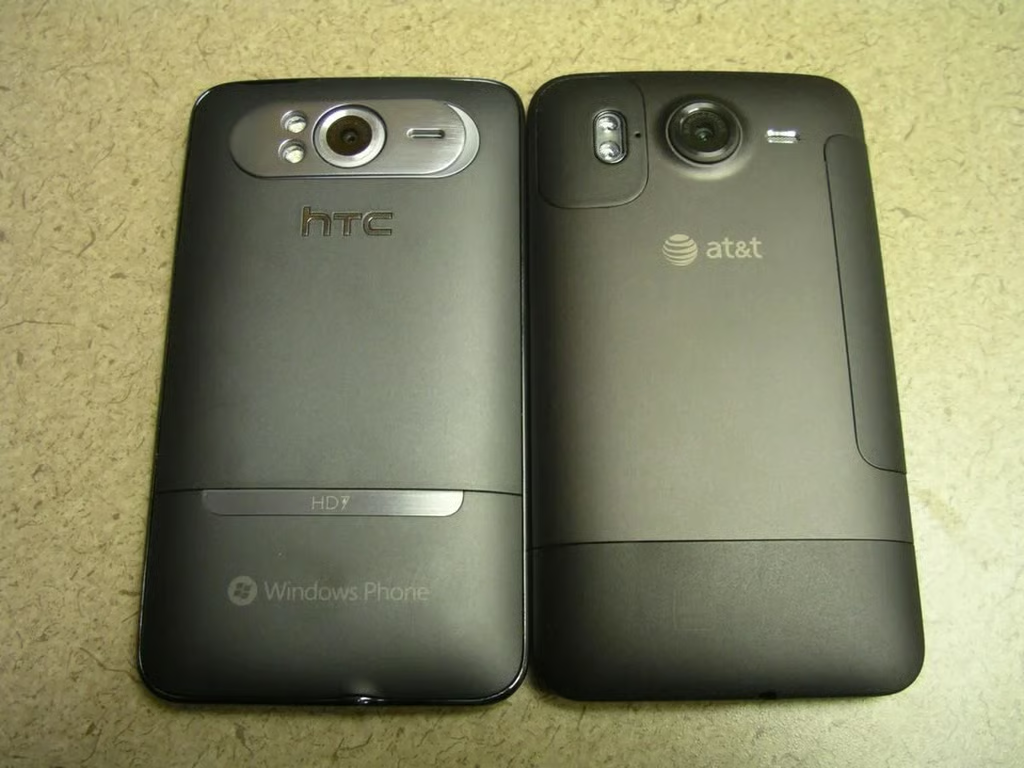
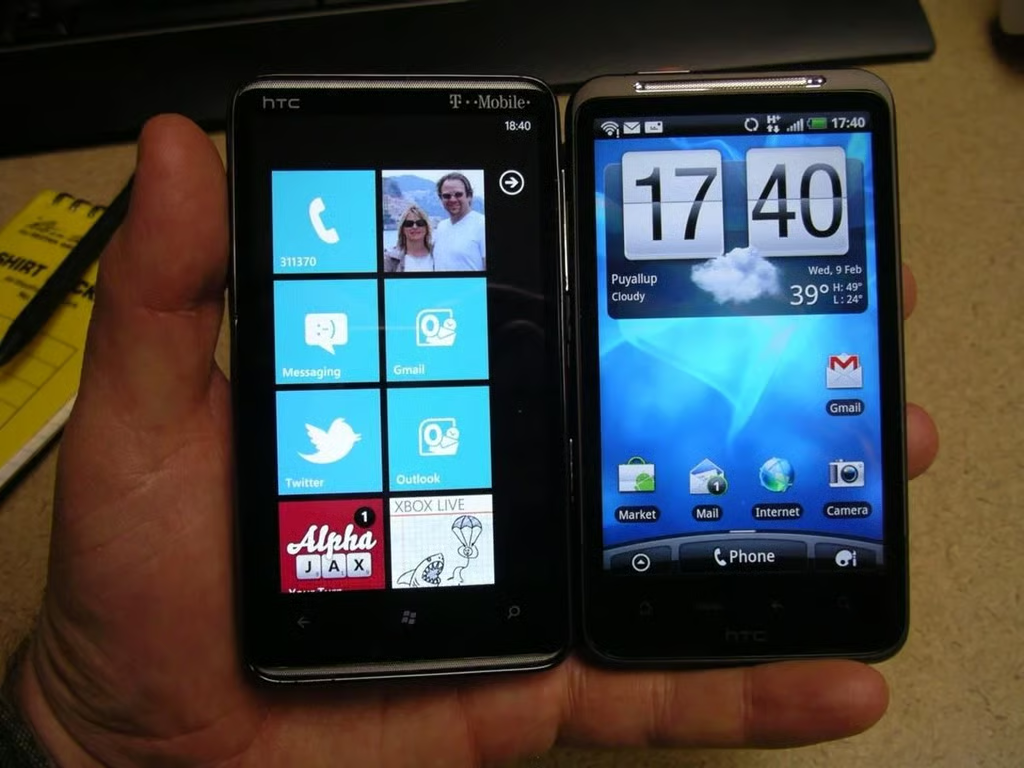
  • HD7 next to the HTC Inspire 4G

    \n\tAs you can see the HTC HD7 and HTC Inspire 4G are similar devices, even though they run quite different mobile operating systems.

    \n

    \n\t 

    \n\n

    \n\tCheck out my full review on ZDNet Smarphones & Cell Phones.

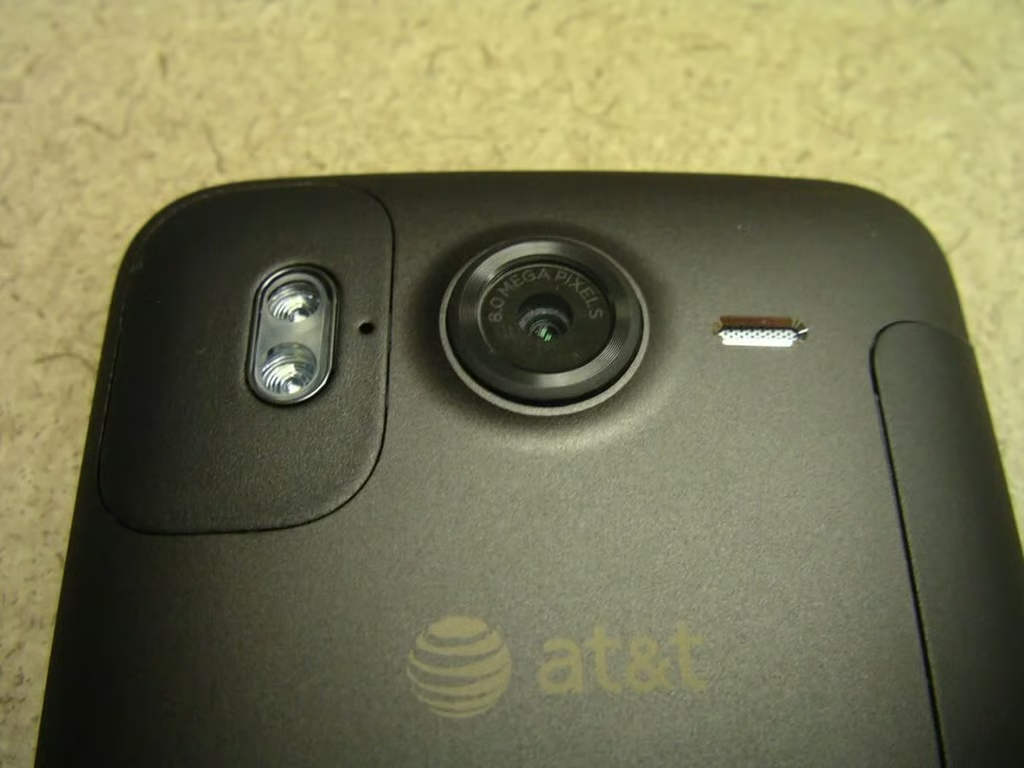
  • Upper back of the Inspire 4G

    \n\tThe camera on the HTC Inspire 4G is 8 megapixel with dual LED flash.  You can also see the mono speaker is adjacent to the camera lens.

    \n

    \n\t 

    \n\n

    \n\tCheck out my full review on ZDNet Smarphones & Cell Phones.

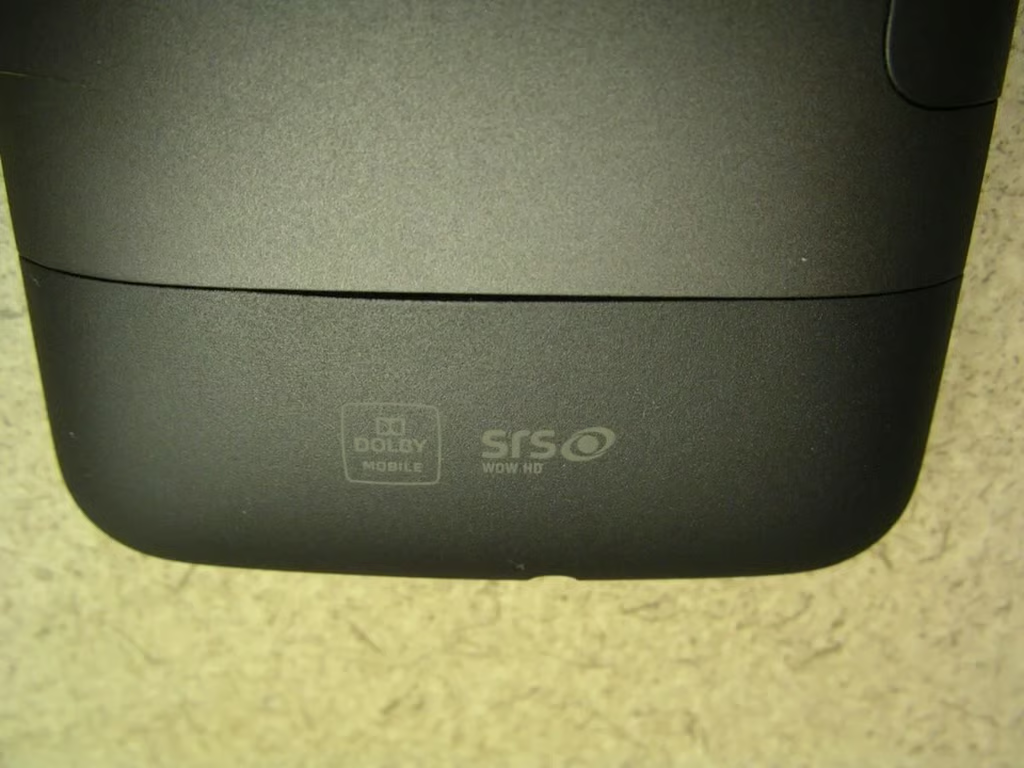
  • Lower back of the Inspire 4G

    \n\tI don’t know how many times the bottom back cover was opened, but it is already showing signs of pulling away from the metal back.

    \n

    \n\t 

    \n\n

    \n\tCheck out my full review on ZDNet Smarphones & Cell Phones.

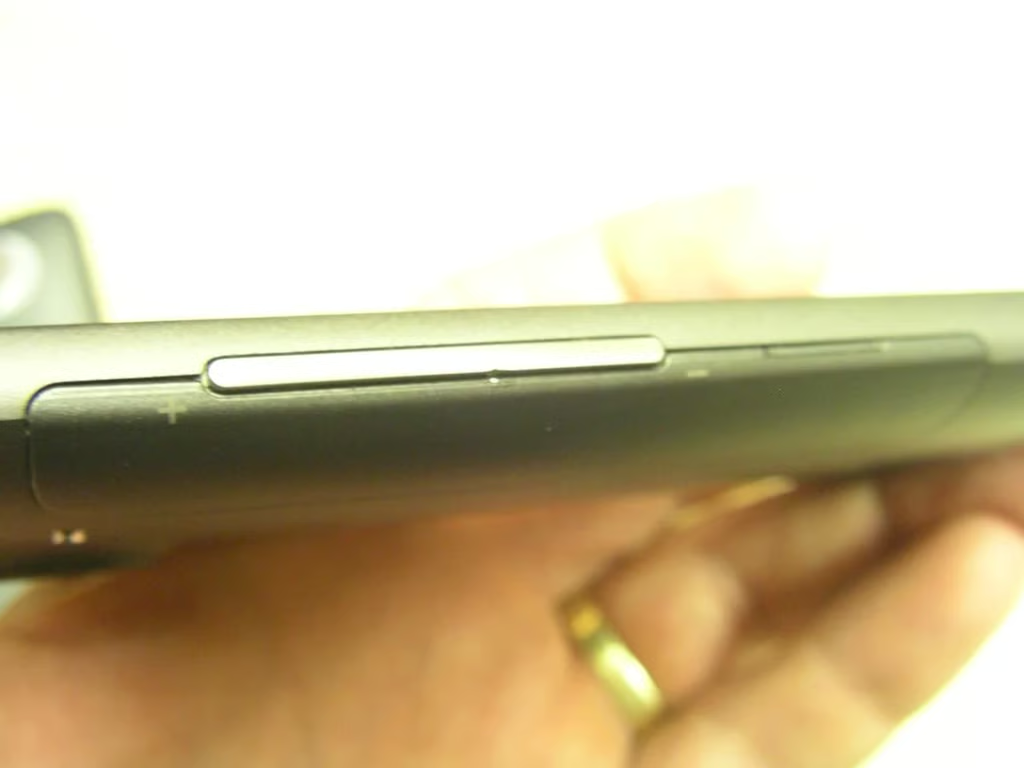
  • Left side of the Inspire 4G

    \n\tThere is a long volume button on the left side of the Inspire 4G.

    \n

    \n\t 

    \n\n

    \n\tCheck out my full review on ZDNet Smarphones & Cell Phones.

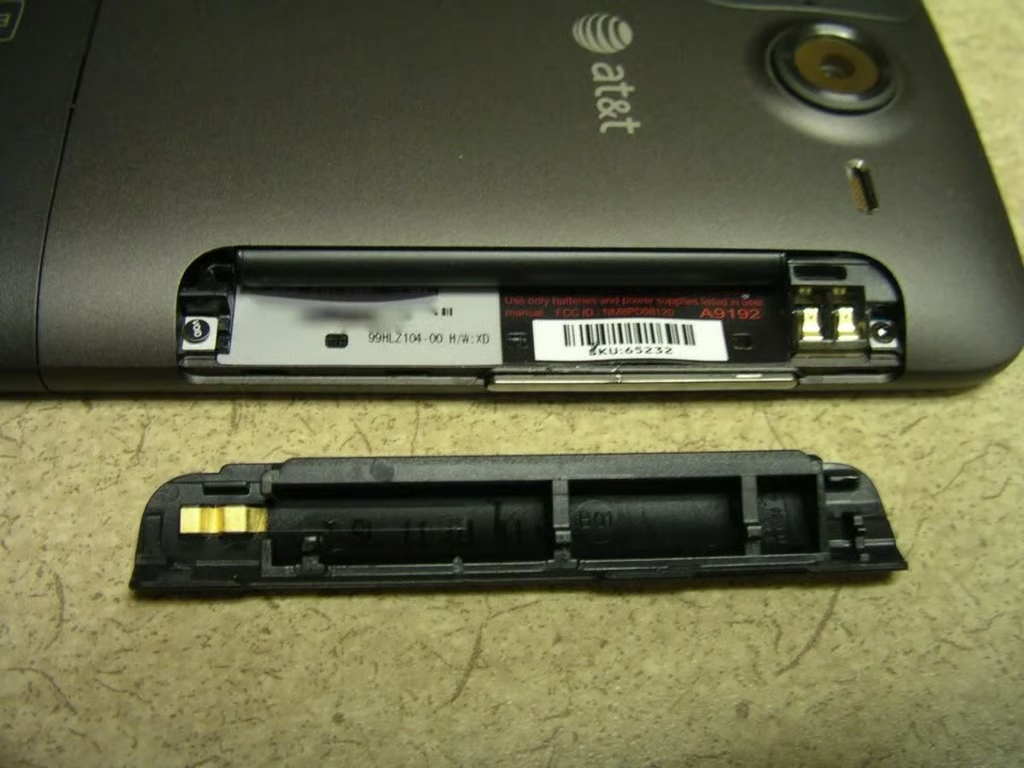
  • Left side open door on the Inspire 4G

    \n\tThe cover on the left side is pulled off to reveal the battery.  You simply slide the battery in and out of the side of the Inspire 4G.

    \n

    \n\t 

    \n\n

    \n\tCheck out my full review on ZDNet Smarphones & Cell Phones.

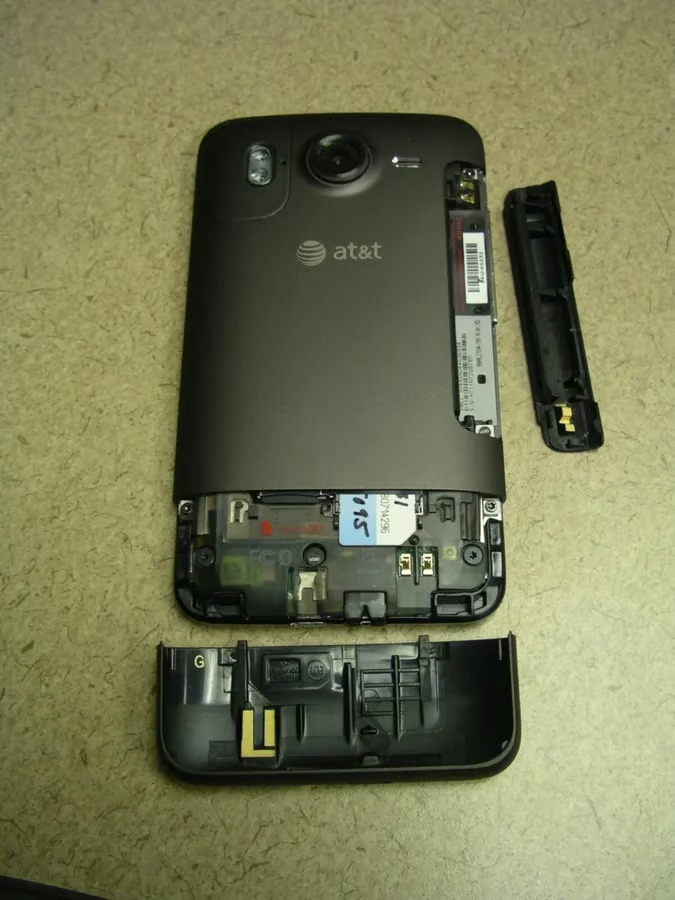
  • Both covers removed from the Inspire 4G

    \n\tThe bottom cover comes off completely, just like the right side cover.

    \n

    \n\t 

    \n\n

    \n\tCheck out my full review on ZDNet Smarphones & Cell Phones.

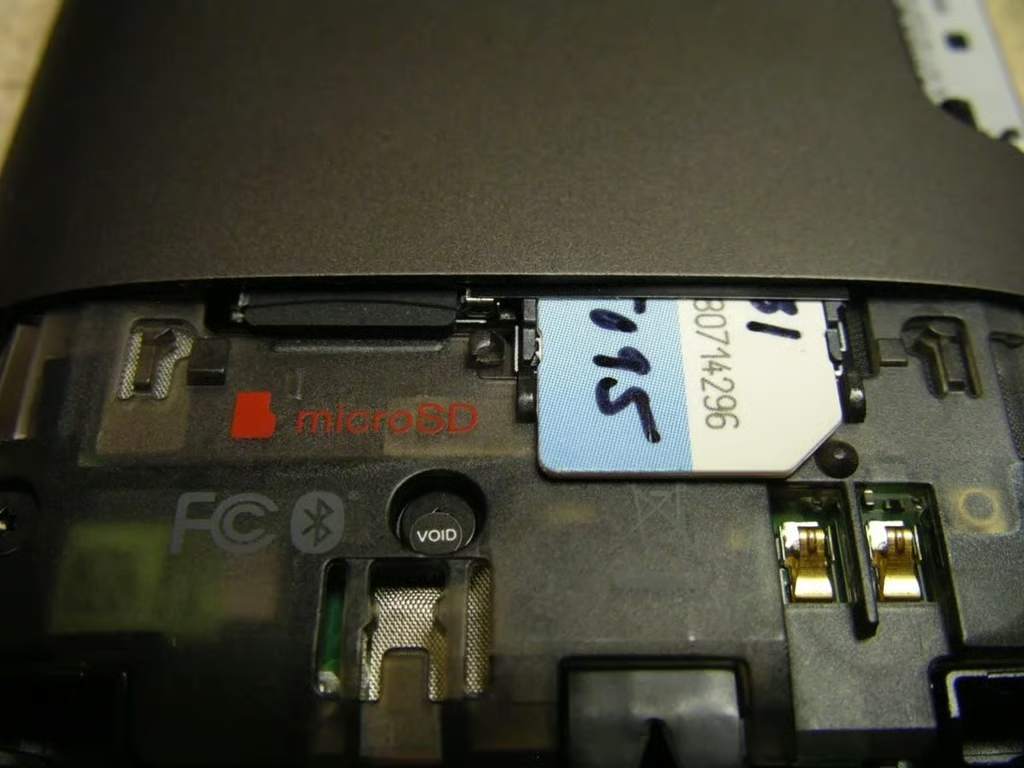
  • Under the back bottom cover

    \n\tUnderneath the bottom cover you will find the SIM card and microSD card.

    \n

    \n\t 

    \n\n

    \n\tCheck out my full review on ZDNet Smarphones & Cell Phones.

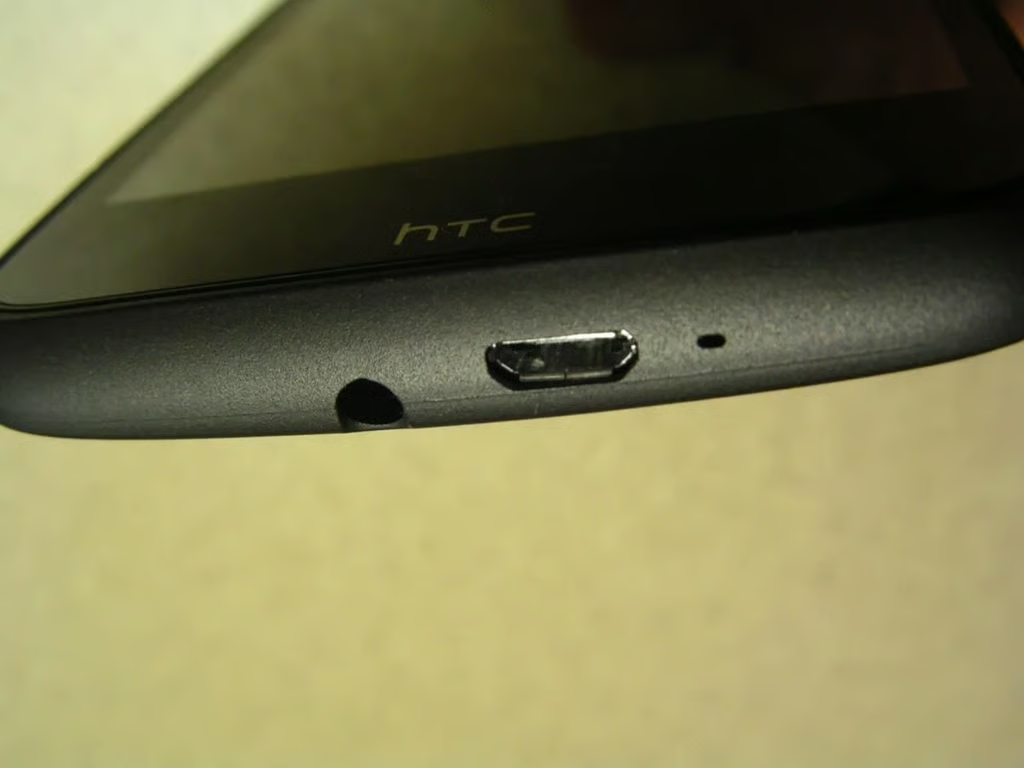
  • Bottom of the Inspire 4G

    \n\tA mic, the microUSB port, and 3.5mm headset jack are all found along the bottom of the Inspire 4G.

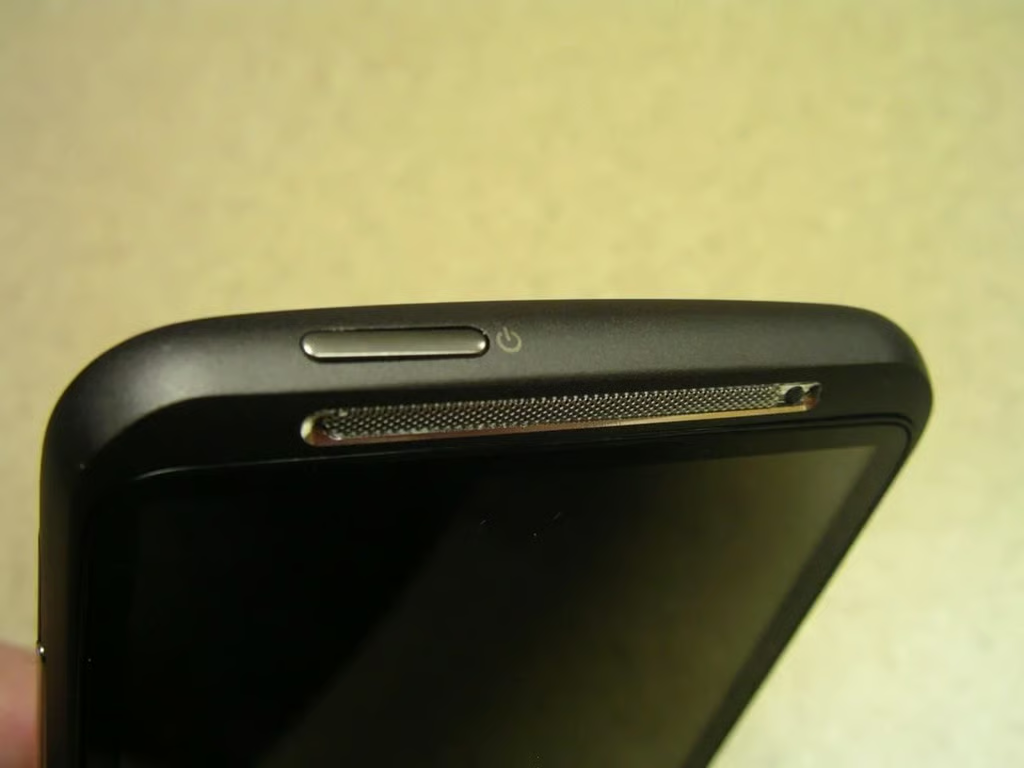
  • Top of the Inspire 4G

    \n\tThe only thing on the top is the power button.

    \n

    \n\t 

    \n\n

    \n\tCheck out my full review on ZDNet Smarphones & Cell Phones.

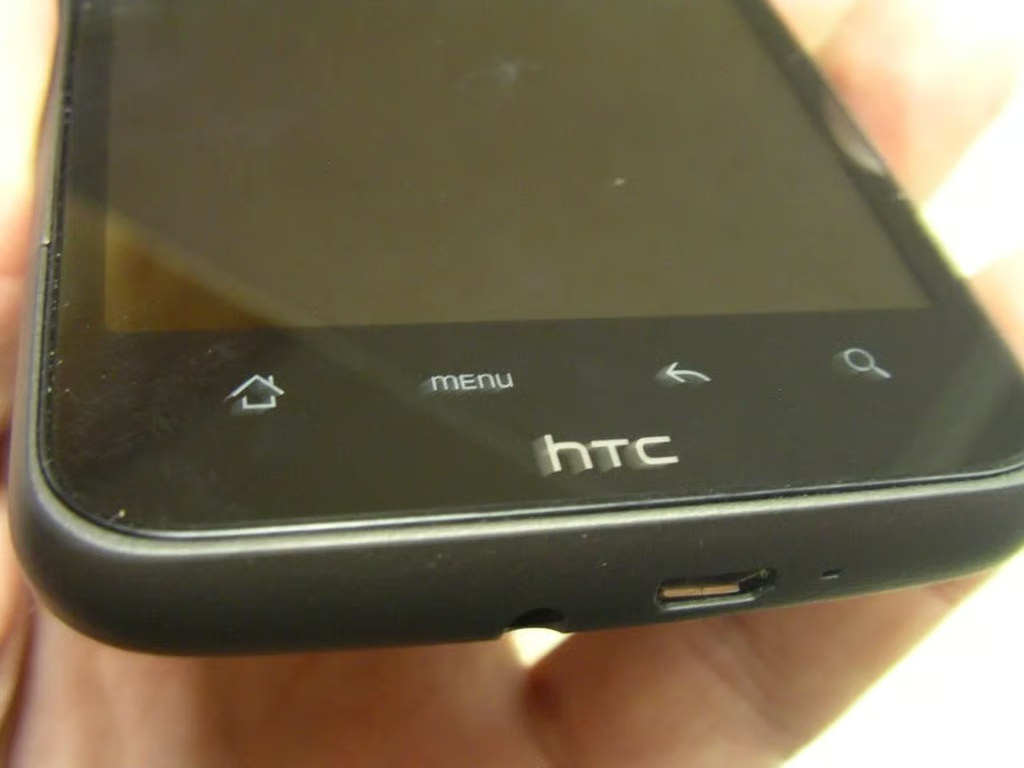
  • Bottom front of the Inspire 4G

    \n\tThe buttons on the Inspire 4G are simply capacitive areas on the glass.

    \n

    \n\t 

    \n\n

    \n\tCheck out my full review on ZDNet Smarphones & Cell Phones.

  • HD7 and Inspire 4G side-by-side

    \n\tThis photo shows the HD7 and Inspire 4G side-by-side in hand.

    \n

    \n\t 

    \n\n

    \n\tCheck out my full review on ZDNet Smarphones & Cell Phones.

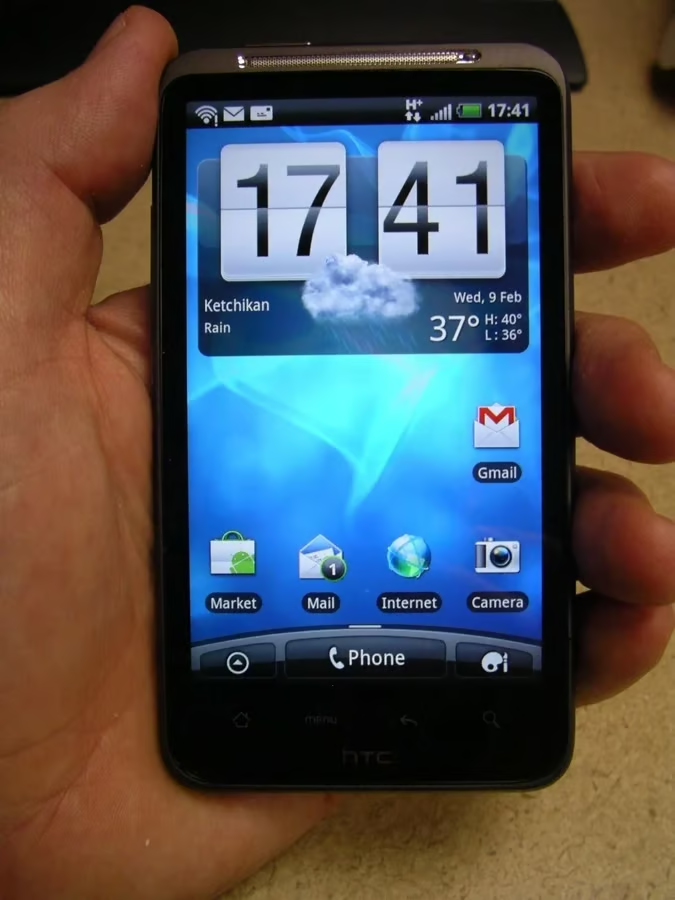
  • HTC Inspire in hand

    \n\tThe HTC Inspire 4G is a rock solid device with a beautiful display.

    \n

    \n\t 

    \n\n

    \n\tCheck out my full review on ZDNet Smarphones & Cell Phones.

  • Inspire gallery 1

    \n\tInspire gallery 1

  • Inspire gallery 2

    \n\t 

    \n\n

    \n\t

    \n\t\tInspire gallery 2

    \n

1 of 16