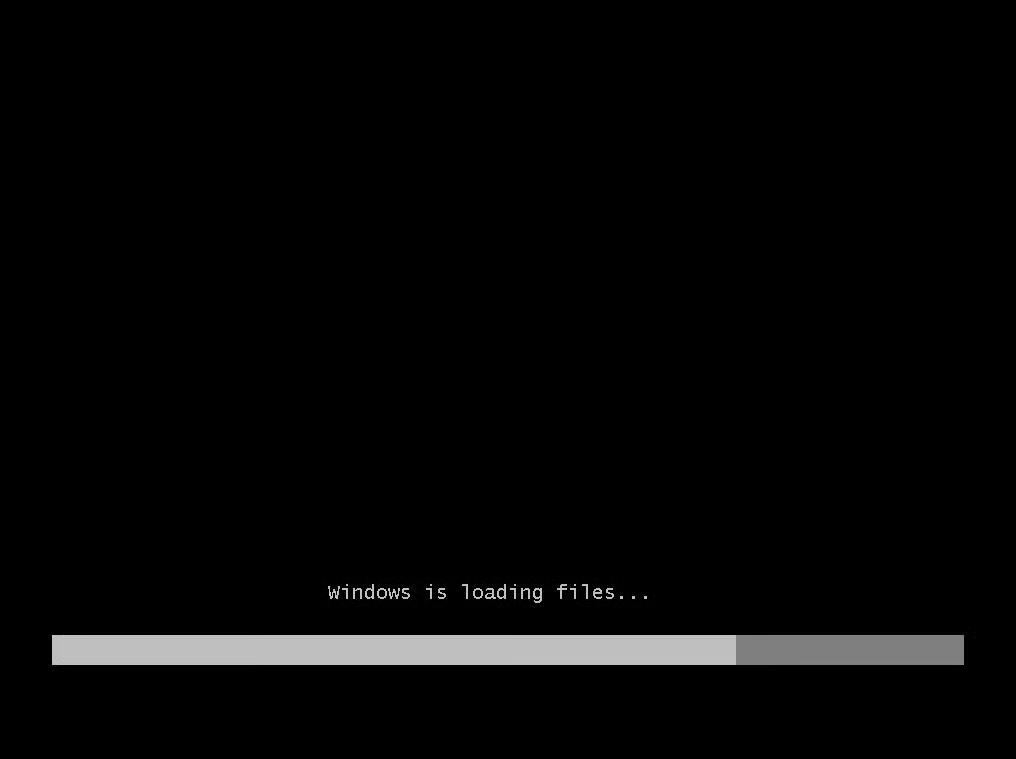
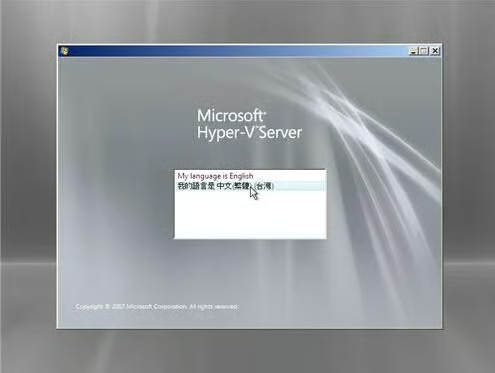
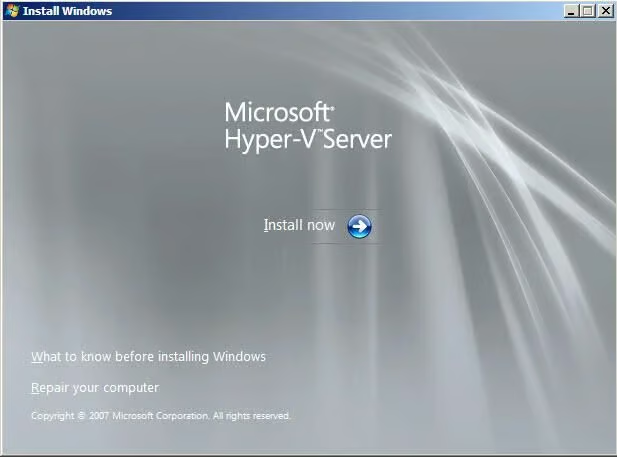
After downloading \r\n\r\nHyper-V Server 2008, burn the ISO image to a cd/DVD to install.
\r\n\r\nThis gallery is also available as a TechRepublic blog post.
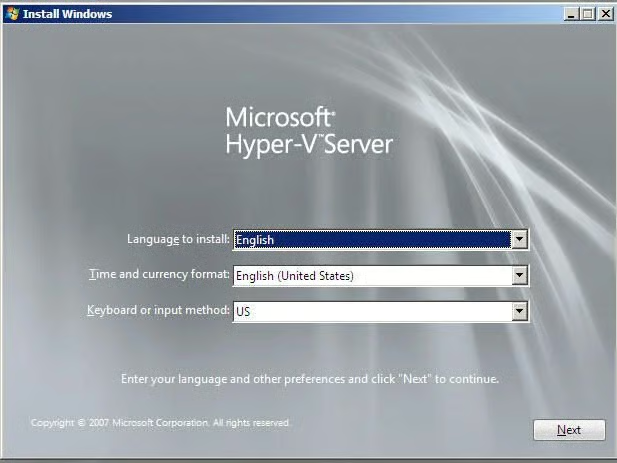
Select the appropriate settings.
Grab a drink.
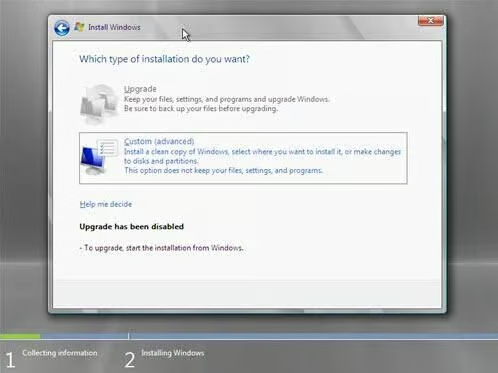
Click on Custom (Advanced) and you can format your system prior to the installation.
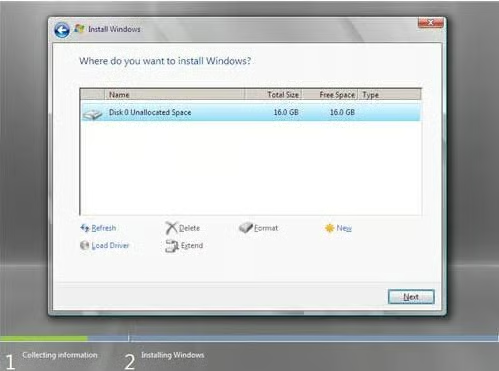
You can highlight the partition and delete\\format or create extended partitions.
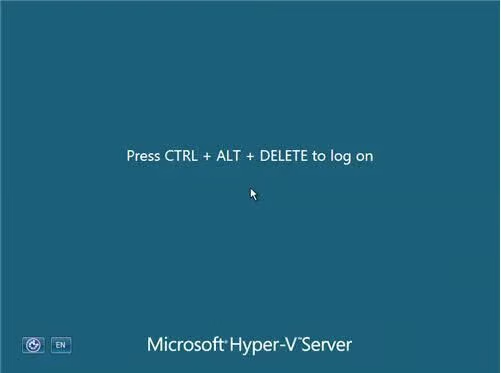
Login to the system with Administrator and no password and you will be prompted to change the password.
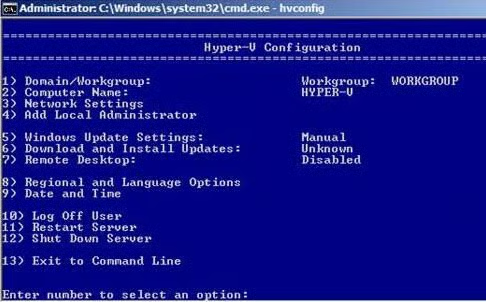
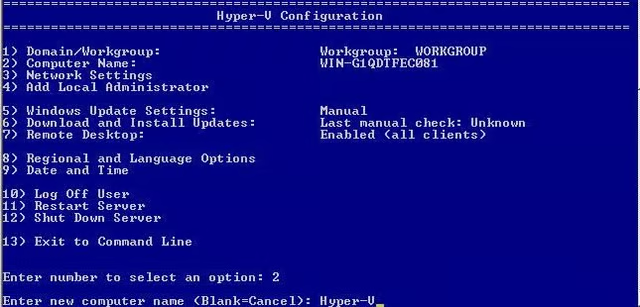
On this screen you can step through the configuration (1-13) to customize.
Press 2. and change the computer name. It will require a reboot.
Steven S. Warren lives in sunny Florida. His articles and blogs have appeared on websites such as CIO Update, DevX, TechRepublic, SearchTechTarget, Datamation and DatabaseJournal. With more than 15 years of experience writing about…