Create ISO files in Windows 8
This\r\ngallery is also available as a TechRepublic article.
I recently\r\nreceived an email message from a reader who had installed Windows XP in a\r\nClient Hyper-V virtual machine on a Windows 8 desktop machine and now wanted to\r\ndo the same on her tablet PC running Windows 8. However, the tablet did not\r\nhave an optical disc drive and she wondered what would be the best way to solve\r\nthe problem.
\r\n\r\n
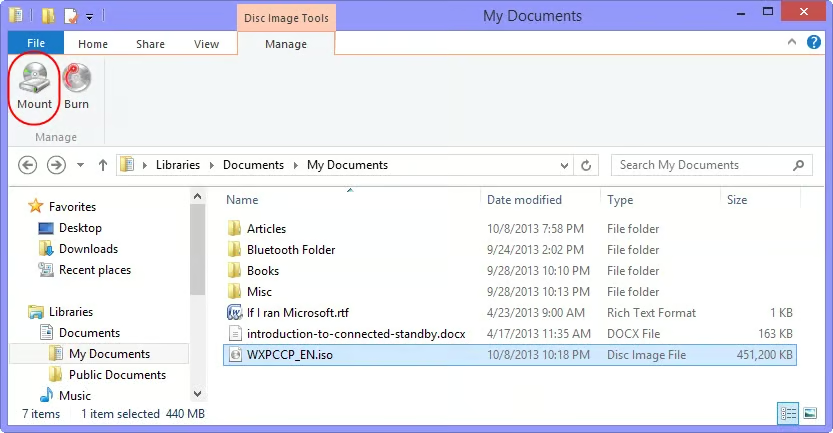
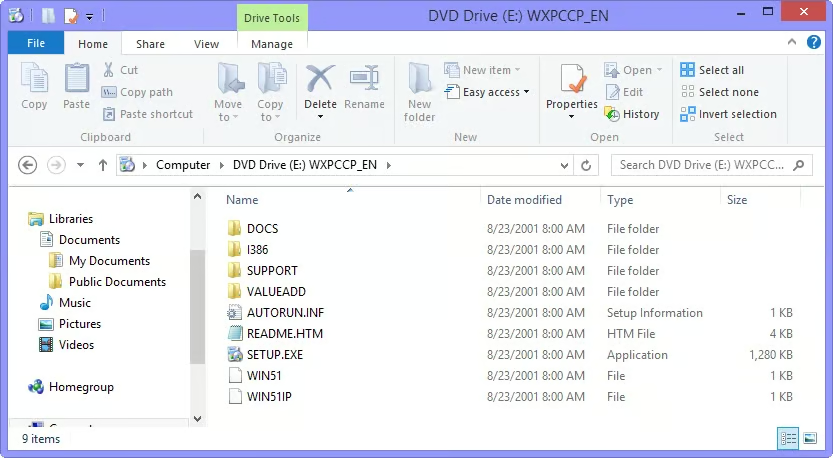
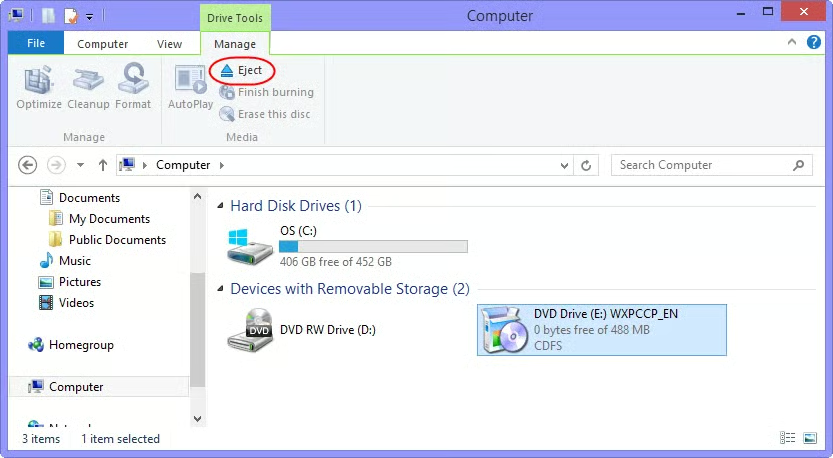
As you know, one\r\nof the new features in Windows 8 is the ability to natively open and view ISO\r\nand VHD files right from File Explorer. I showed you the VHD feature in a\r\nrecent article, Restore individual files from a System Image in Windows 8, but I have not really examined the ISO\r\nprocess in any detail; however, it is just as slick and will solve half of the\r\nproblem. The other half of the problem can also be solved by using a simple\r\nthird-party tool called ISO Recorder.
\r\n\r\n
Thus, I told the\r\nreader that she could create an ISO file of her Windows XP CD, copy that ISO\r\nfile to the tablet, and then use it to install XP in a Client Hyper-V virtual\r\nmachine
\r\n\r\n
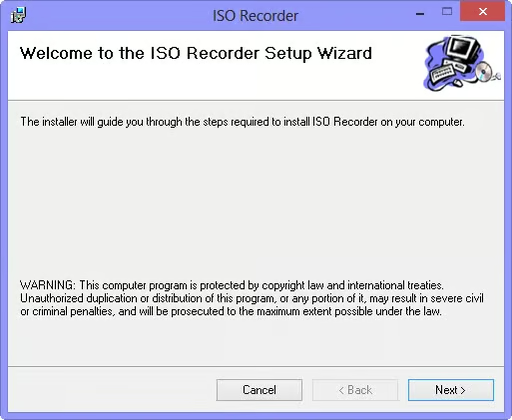
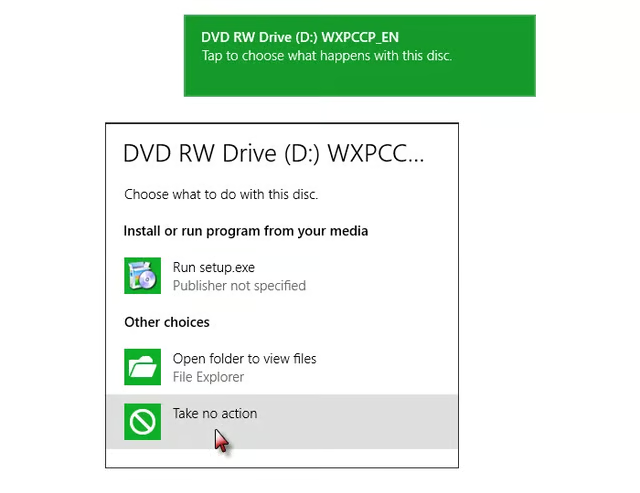
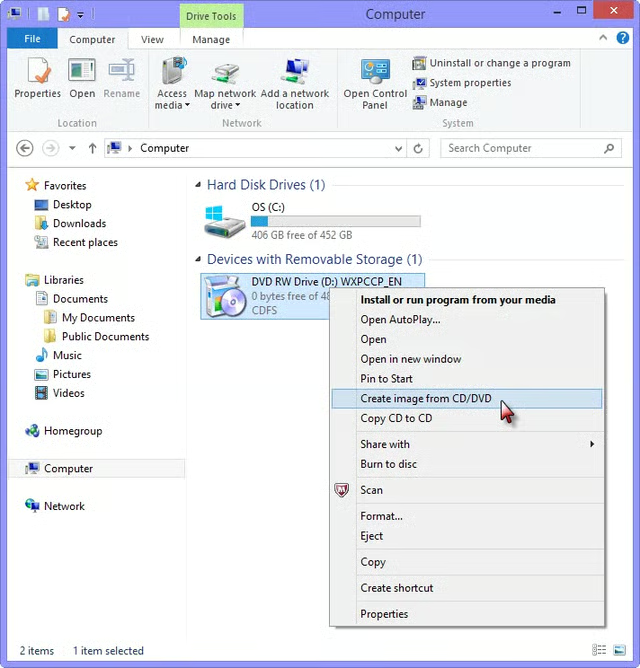
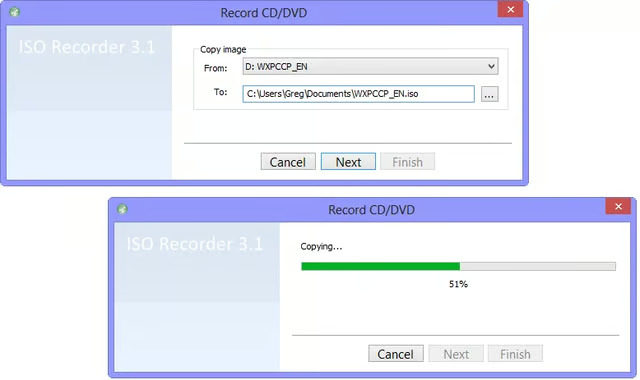
In this article,\r\nI’ll show you how to use ISO Recorder to create an ISO. As I do, I’ll show you\r\nhow Windows 8’s native ISO reader works.
\r\n\r\n
Images by Greg Shultz for TechRepublic