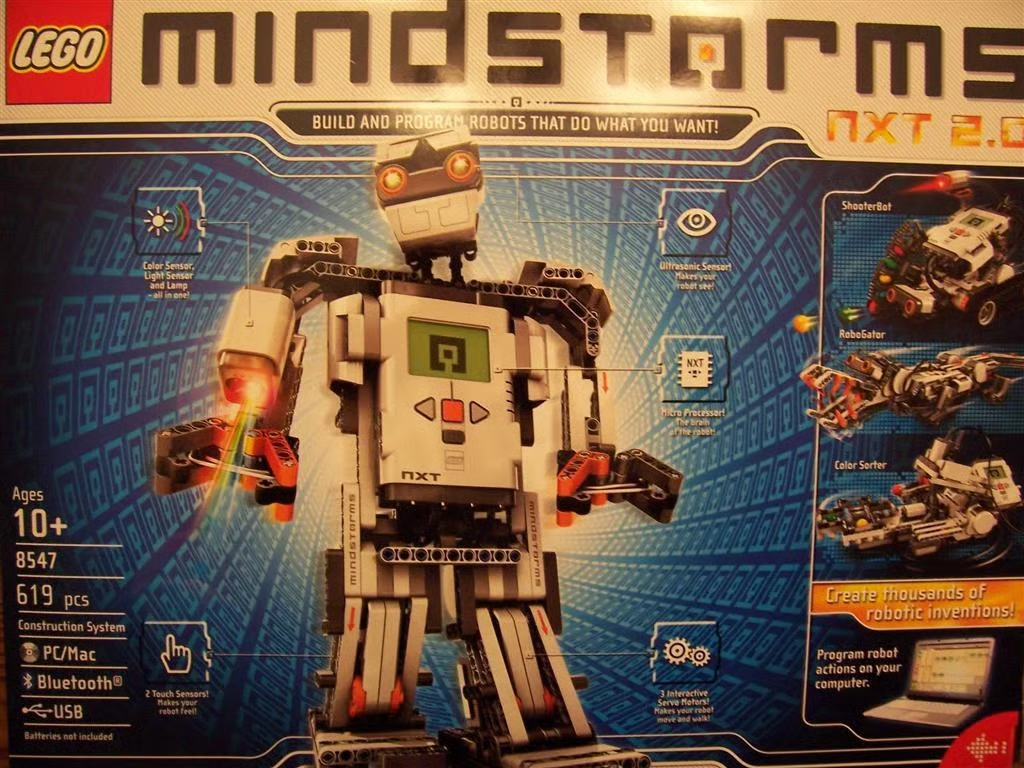
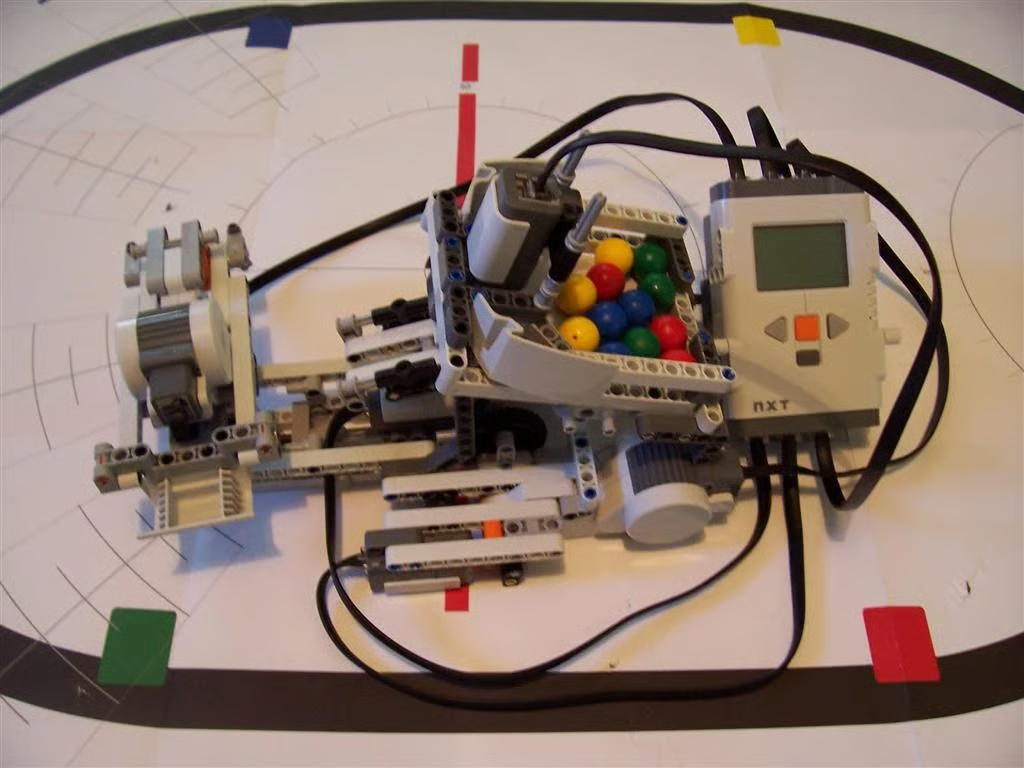
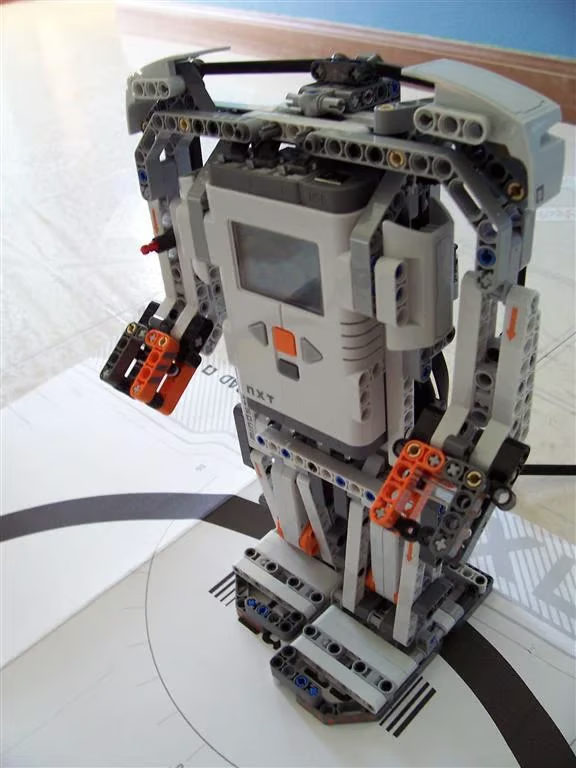
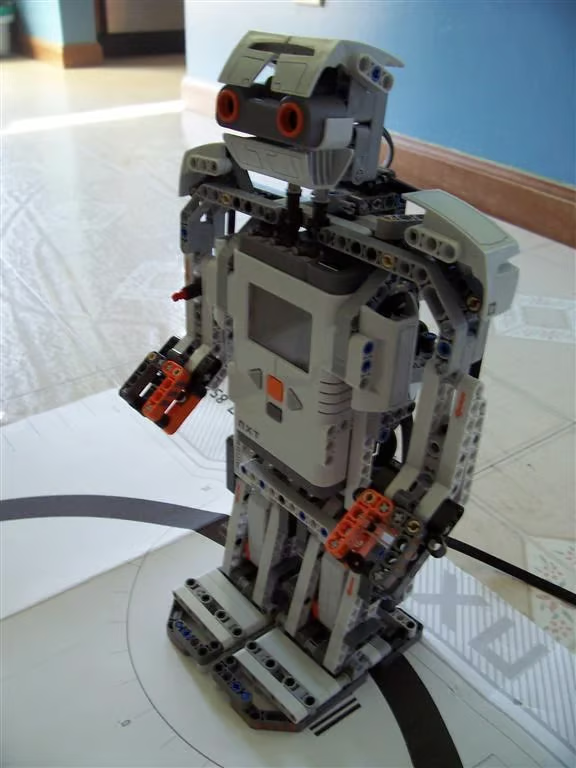
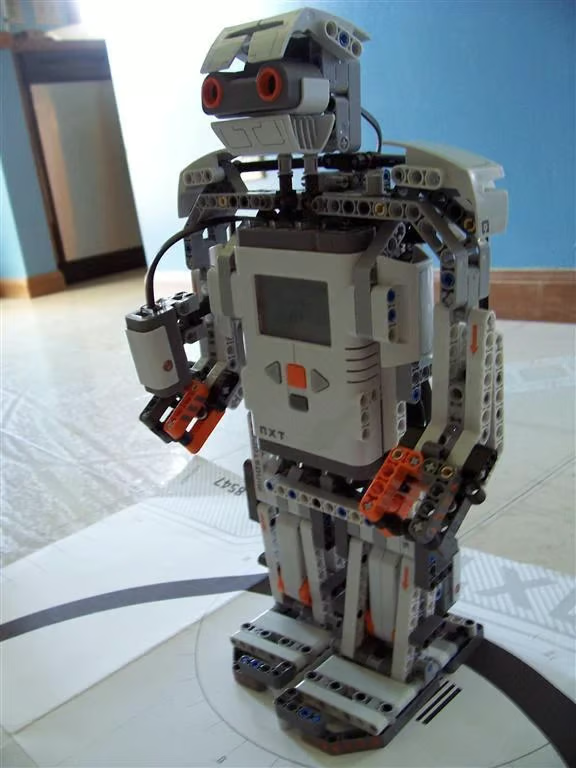
LEGO Mindstorms NXT 2.0 is a programmable robotic toy that retails for $279.99. It is equipped with a microprocessor module, three motors, and four sensors that can be used to build robotic models of vehicles, animals, machines, humanoids, or whatever you can imagine.
The cover of the LEGO Mindstorms NXT 2.0 box highlights the kit’s features as well as the four models included with the software.
Read my Geek Gifts 2010 review of LEGO Mindstorms NXT 2.0.
Photo of LEGO Mindstorms NXT 2.0 by Wally Bahny for TechRepublic
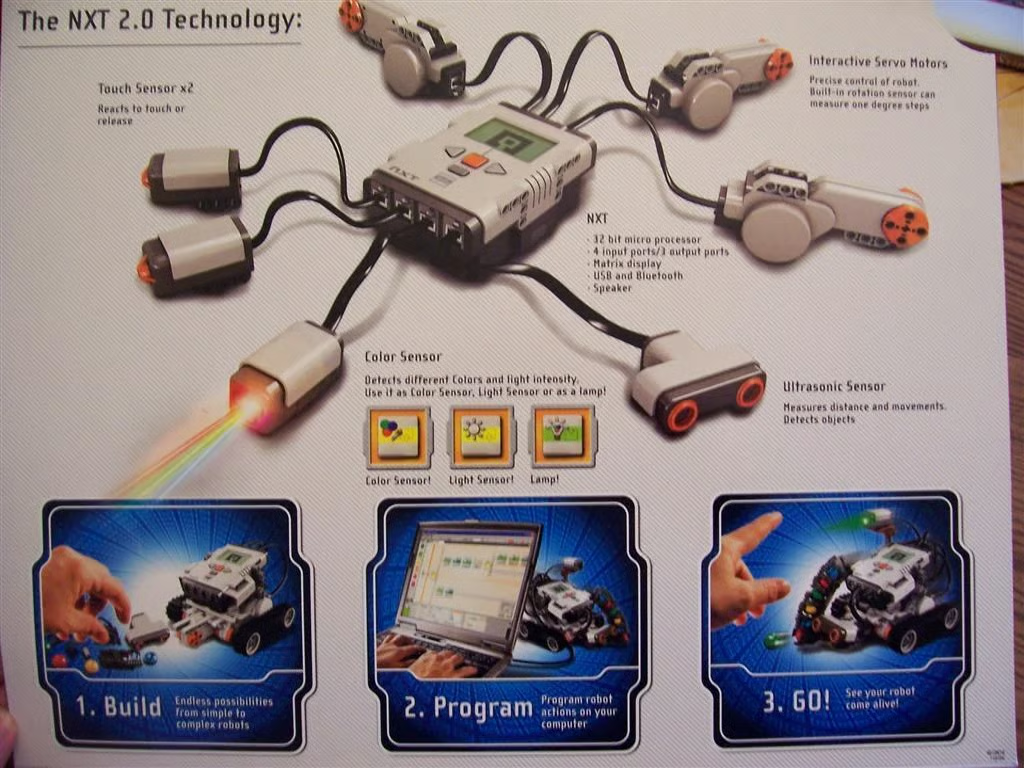
Inside the box cover, the processor module, motors, and sensors are described, as well as the basic three steps to construction: Build, Program, and Go.
Photo of LEGO Mindstorms NXT 2.0 by Wally Bahny for TechRepublic
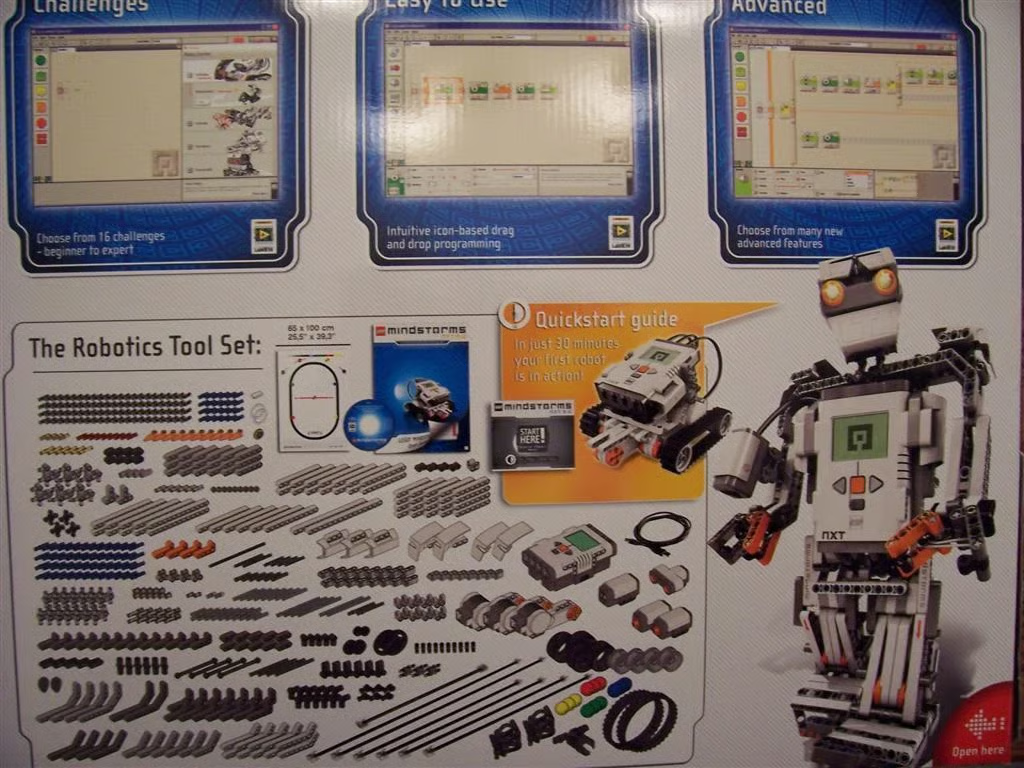
The facing surface of the last screen on the box outlines more features of the software, including its intuitive drag-and-drop programming language based on LabVIEW. You also see a picture of all of the included 619 parts and pieces.
Photo of LEGO Mindstorms NXT 2.0 by Wally Bahny for TechRepublic
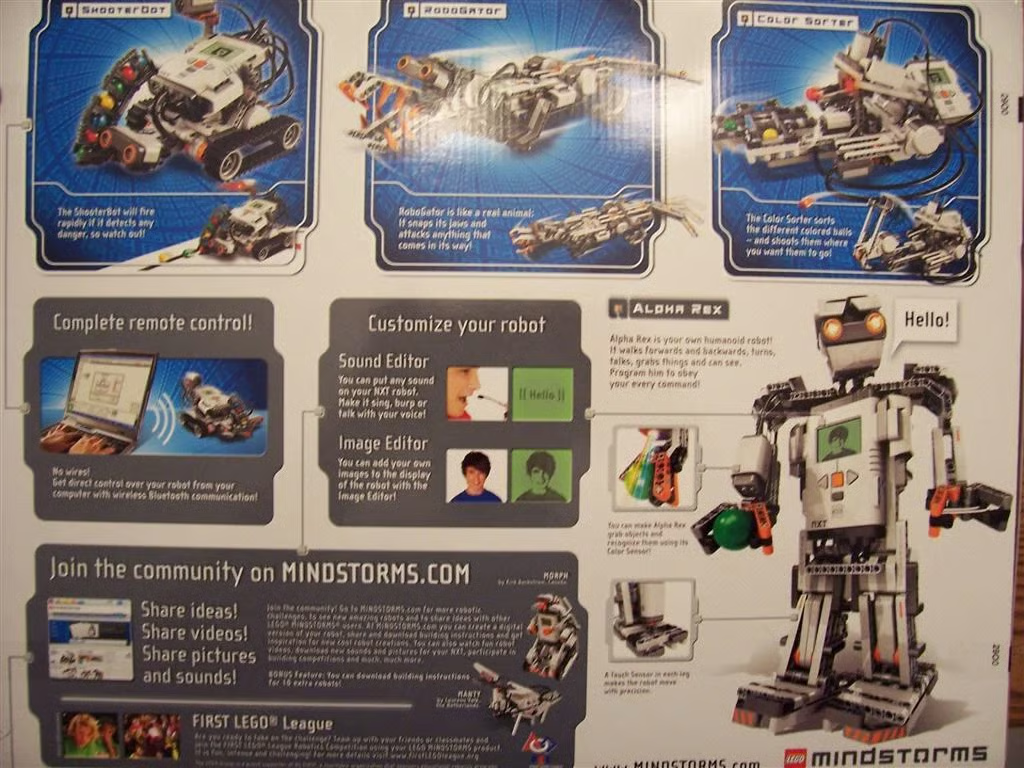
The back of the box provides more details about the four models and features of the software, and references the vast collection of user-created and LEGO-created models available on the Mindstorms website.
Photo of LEGO Mindstorms NXT 2.0 by Wally Bahny for TechRepublic
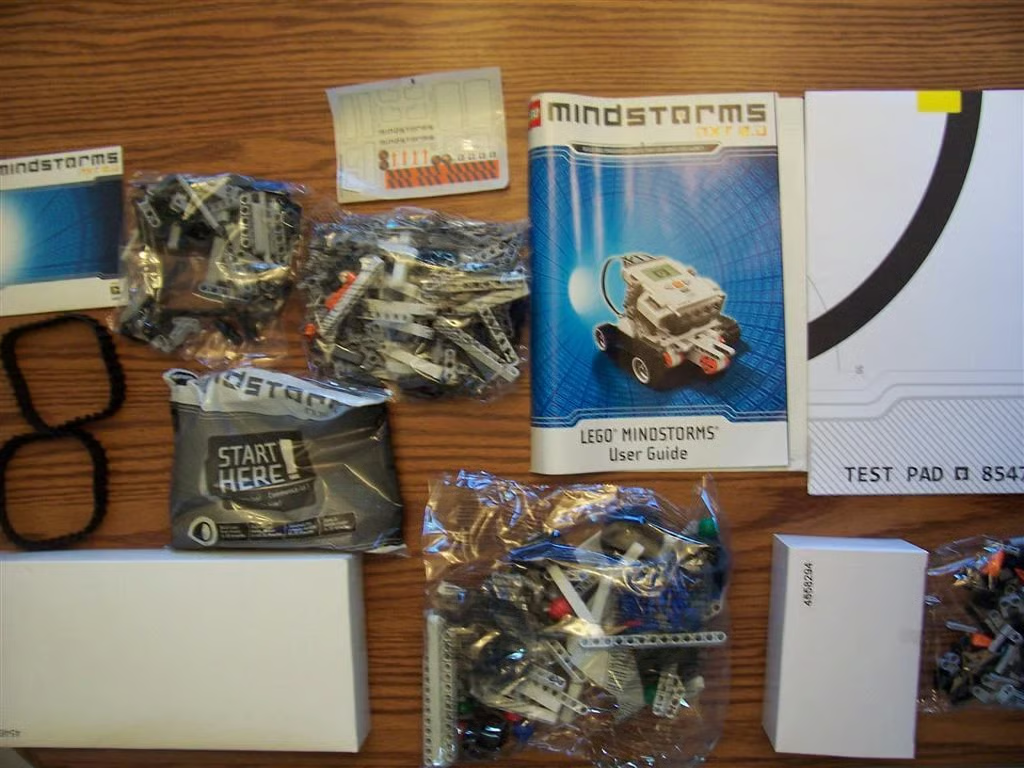
This is a photo of the box’s contents. In addition to the bags of LEGO pieces and the other assorted parts, there are also two boxes.
Photo of LEGO Mindstorms NXT 2.0 by Wally Bahny for TechRepublic
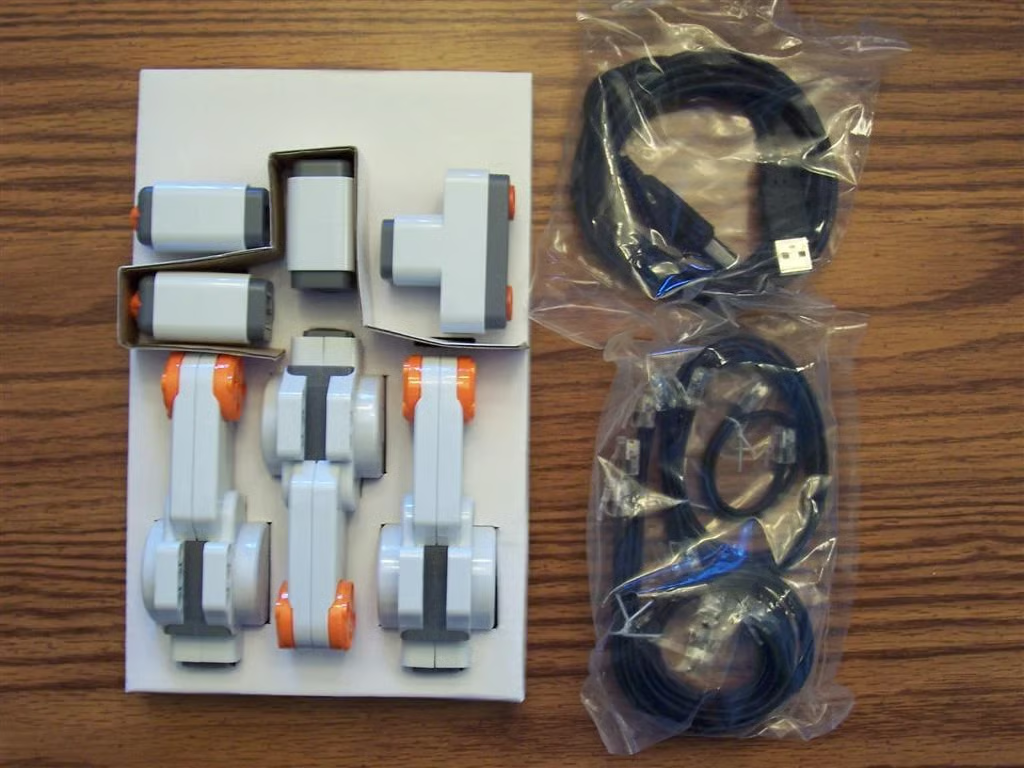
The larger box contains all of the sensors and motors and the cabling required to connect them to the microprocessor brick. These have been specially packed in a cardboard cut-out, which likely helped protect them during shipping and handling.
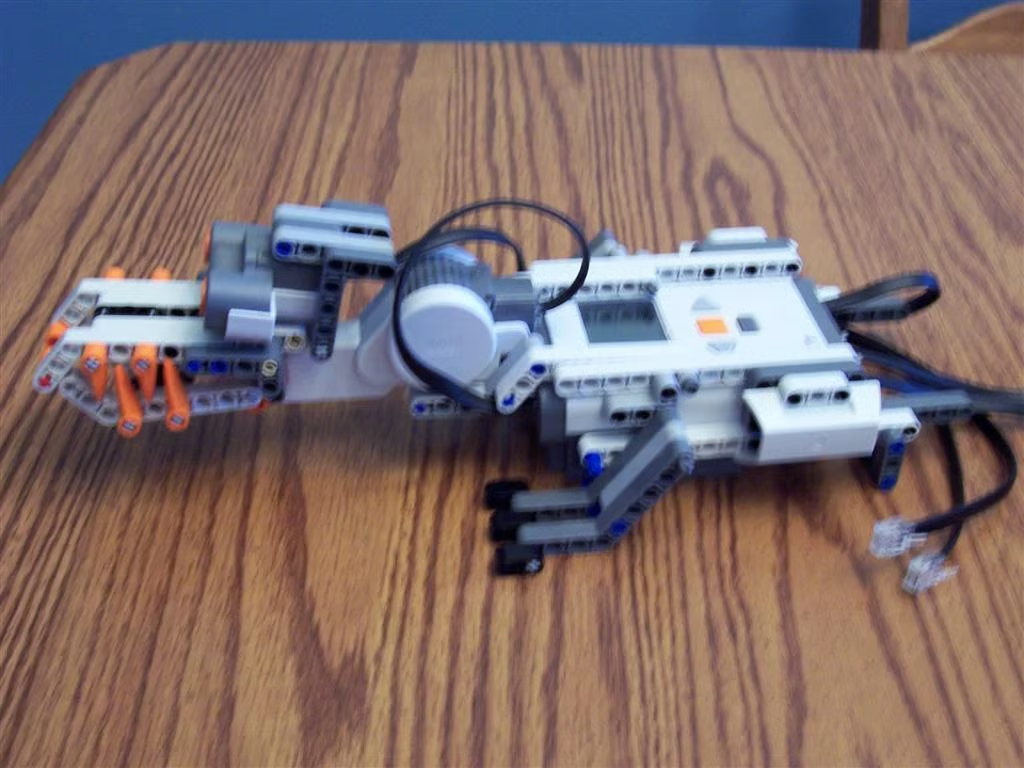
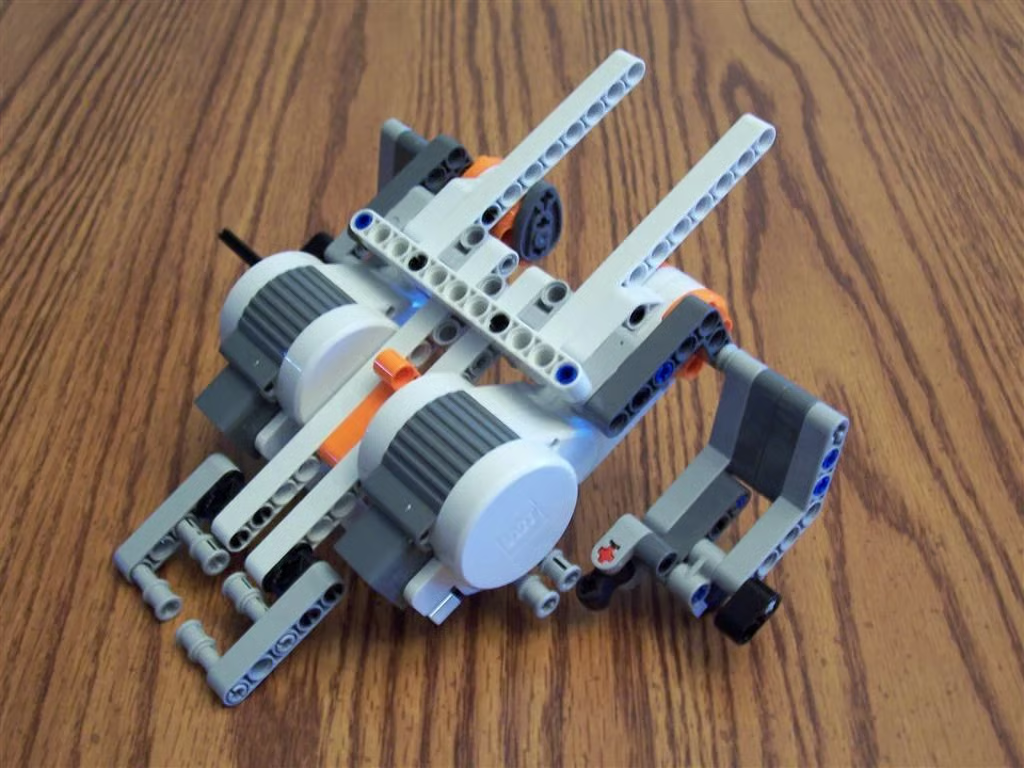
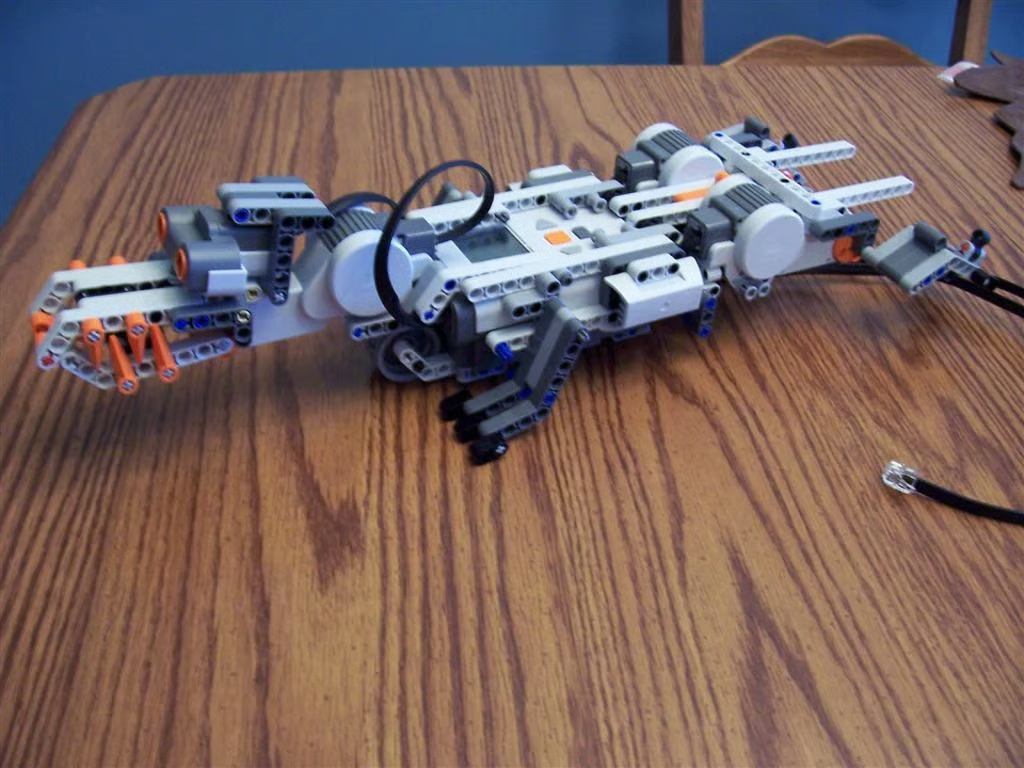
Photo of LEGO Mindstorms NXT 2.0 by Wally Bahny for TechRepublic
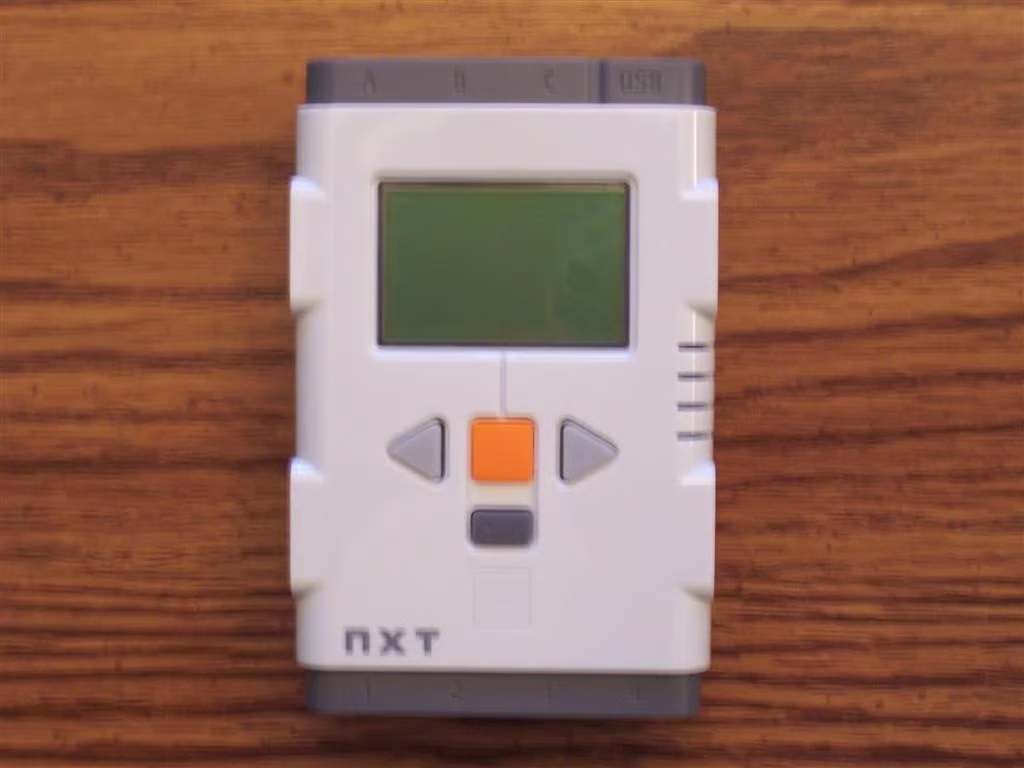
The smaller box contains the microprocessor brick, which is the brains of the Mindstorms kit.
Photo of LEGO Mindstorms NXT 2.0 by Wally Bahny for TechRepublic
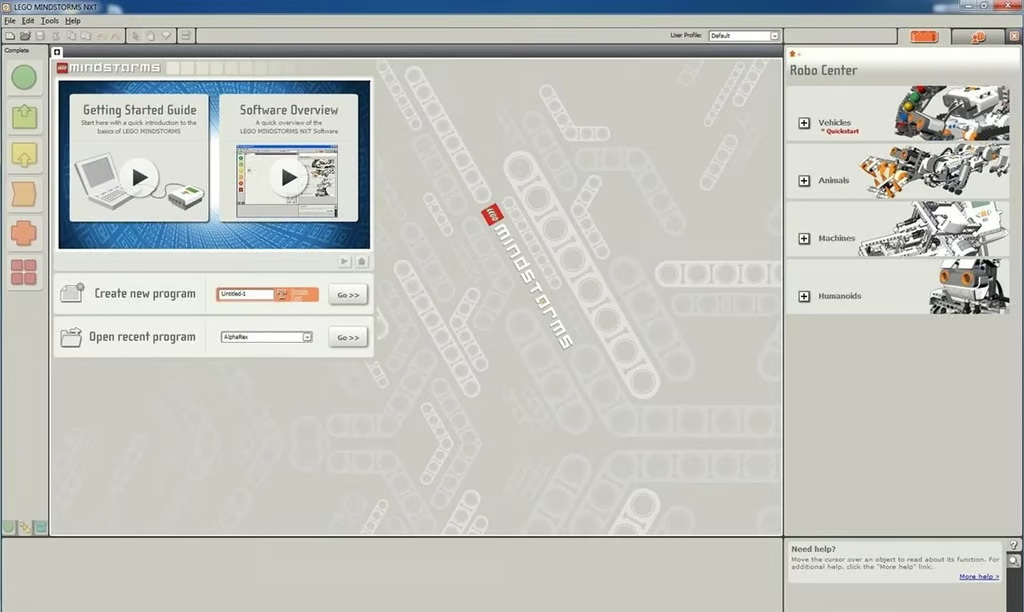
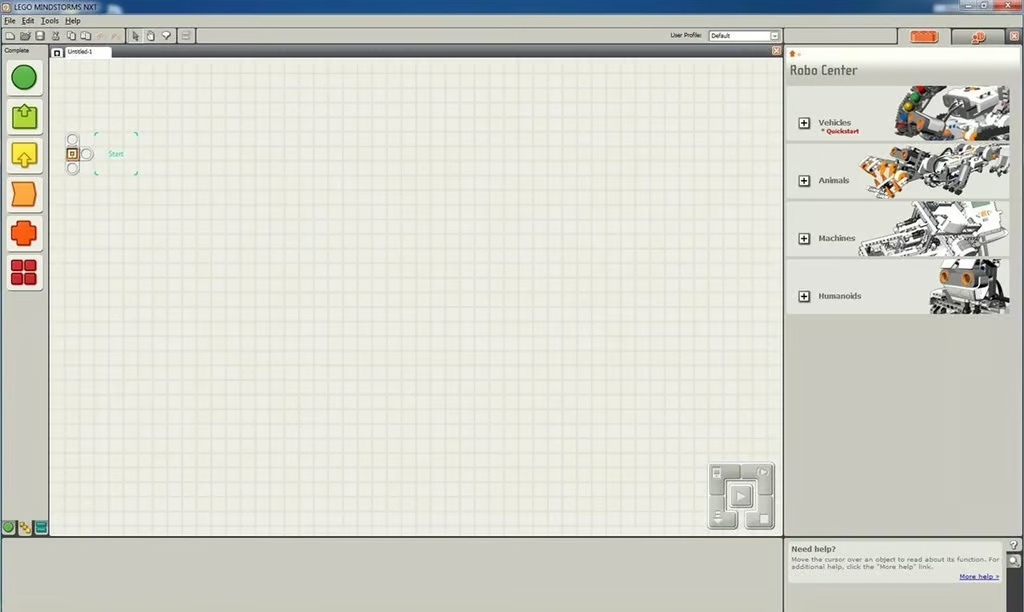
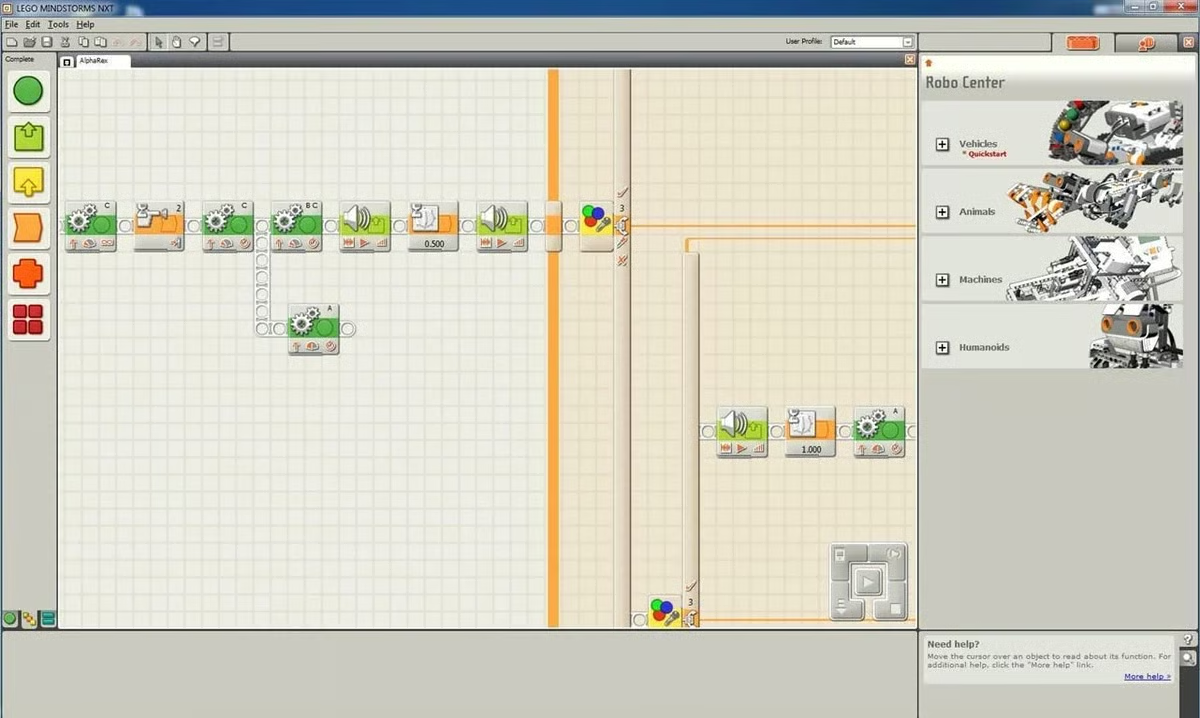
After installing and running the software, this screen is displayed. The large pane in the center contains a guides to help you get started with the software. This will become the design area after creating a new program or opening an existing one. On the left are the controls grouped by function. The controls can be dragged into the design area. On the right are the existing four projects grouped by category, which can be expanded by the downloadable ones. This area contains the build and the programming instructions. The larger left pane at the bottom is where the programming tiles are configured, and the smaller right pane shows some rollover help. There is also a Remote Control feature accessible from the menus at the top that allows control of a simple model, such as the Driving Base, via the arrow keys and space bar.
Screenshot of LEGO Mindstorms NXT 2.0 software by Wally Bahny for TechRepublic
This is a new, blank work area. Programming tiles can be dragged and dropped, beginning with the area labeled Start.
Screenshot of LEGO Mindstorms NXT 2.0 software by Wally Bahny for TechRepublic
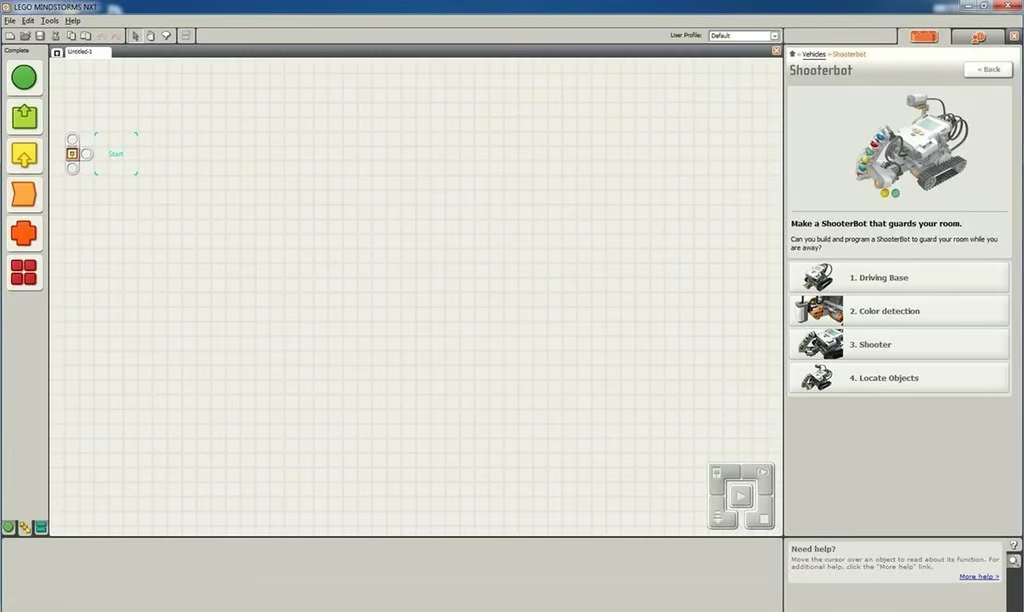
Projects are broken out into smaller build steps. The Shooterbot begins with the Driving Base (which is also the quick start project), adds color detection, adds the clip and ball shooter, and adds the ability to detect an object before shooting at it.
Screenshot of LEGO Mindstorms NXT 2.0 software by Wally Bahny for TechRepublic
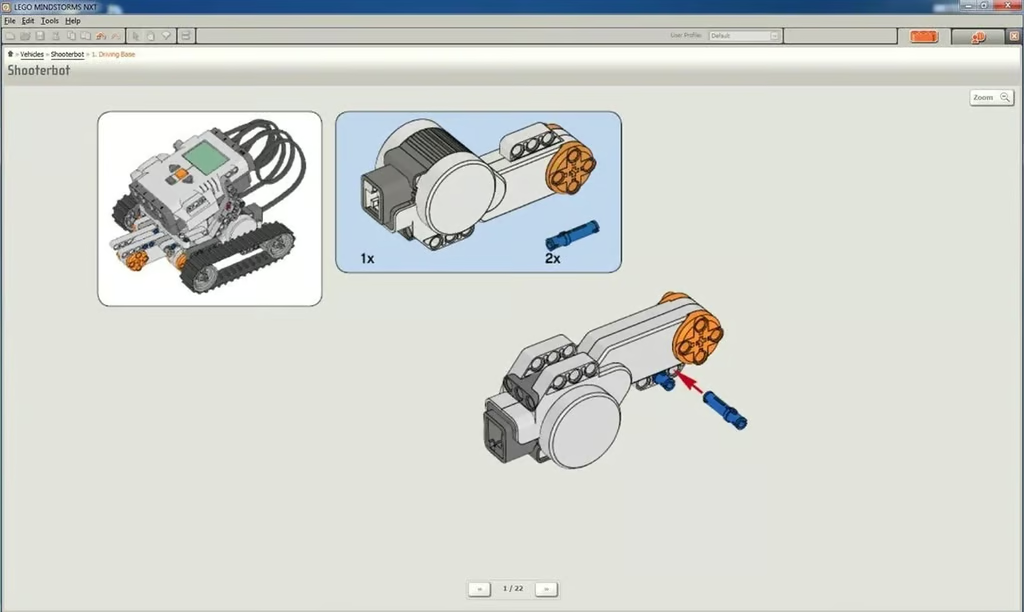
Accessing the build instructions within any project phase will give the option of expanding the build steps to fill the entire screen. Since some of the LEGO pieces are small, this is essential in determining which pieces are needed and where they are placed.
Screenshot of LEGO Minstorms NXT 2.0 software by Wally Bahny for TechRepublic
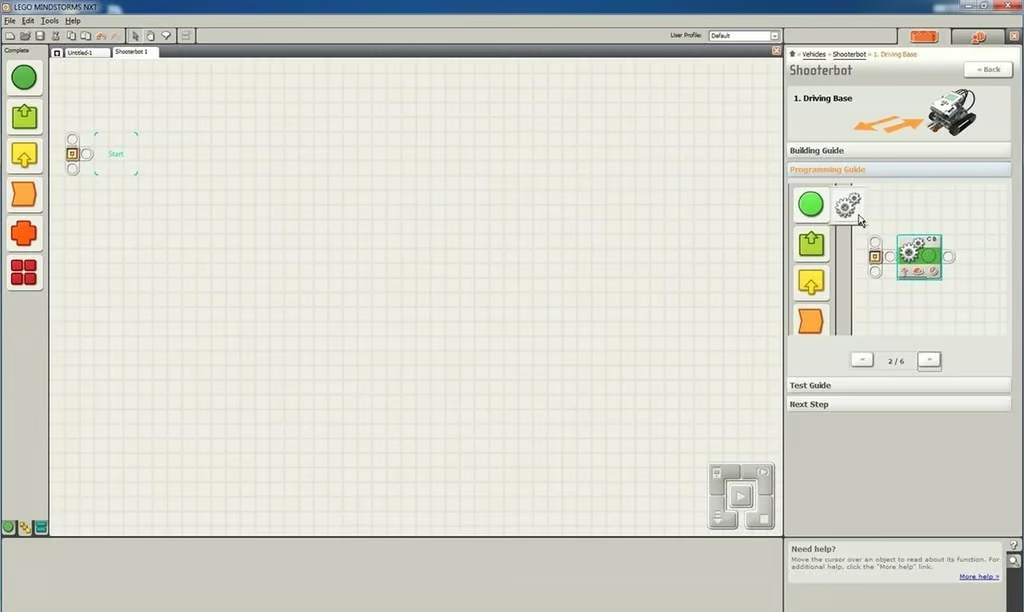
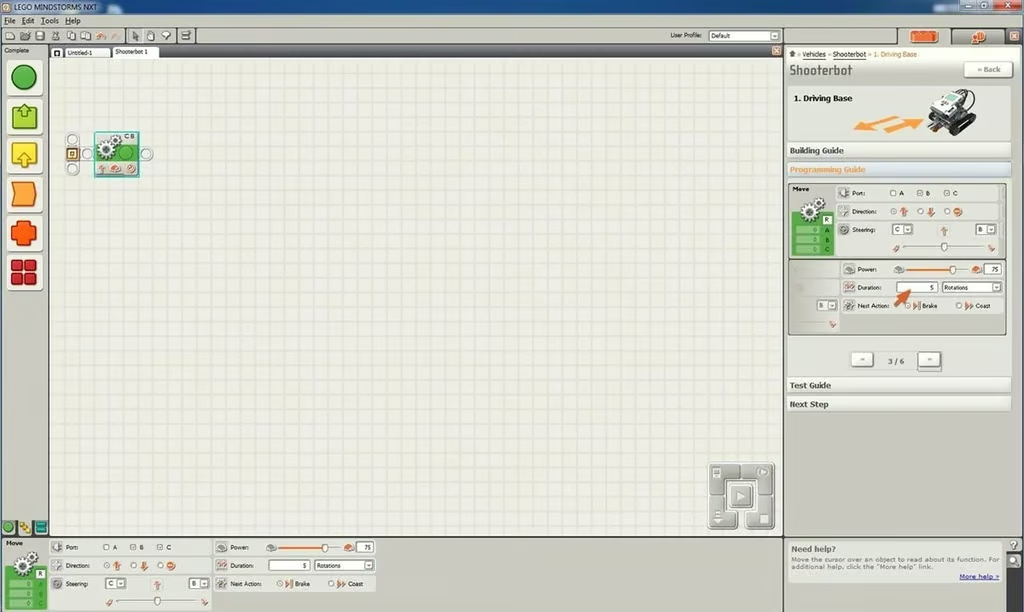
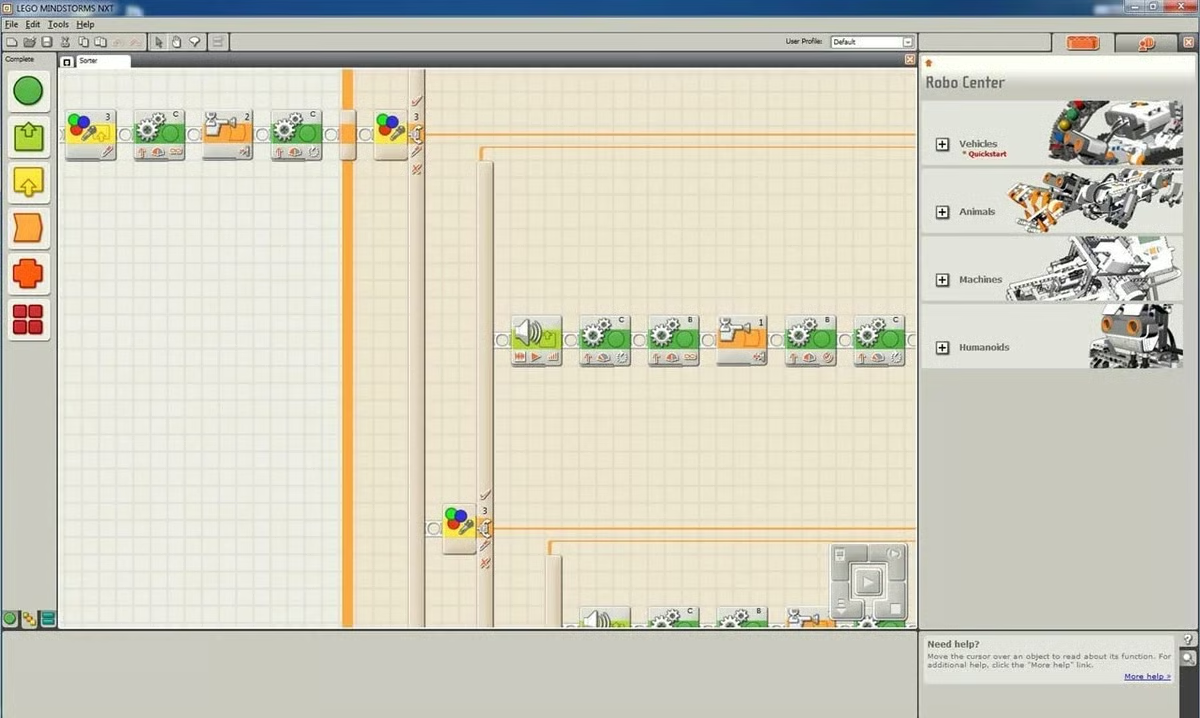
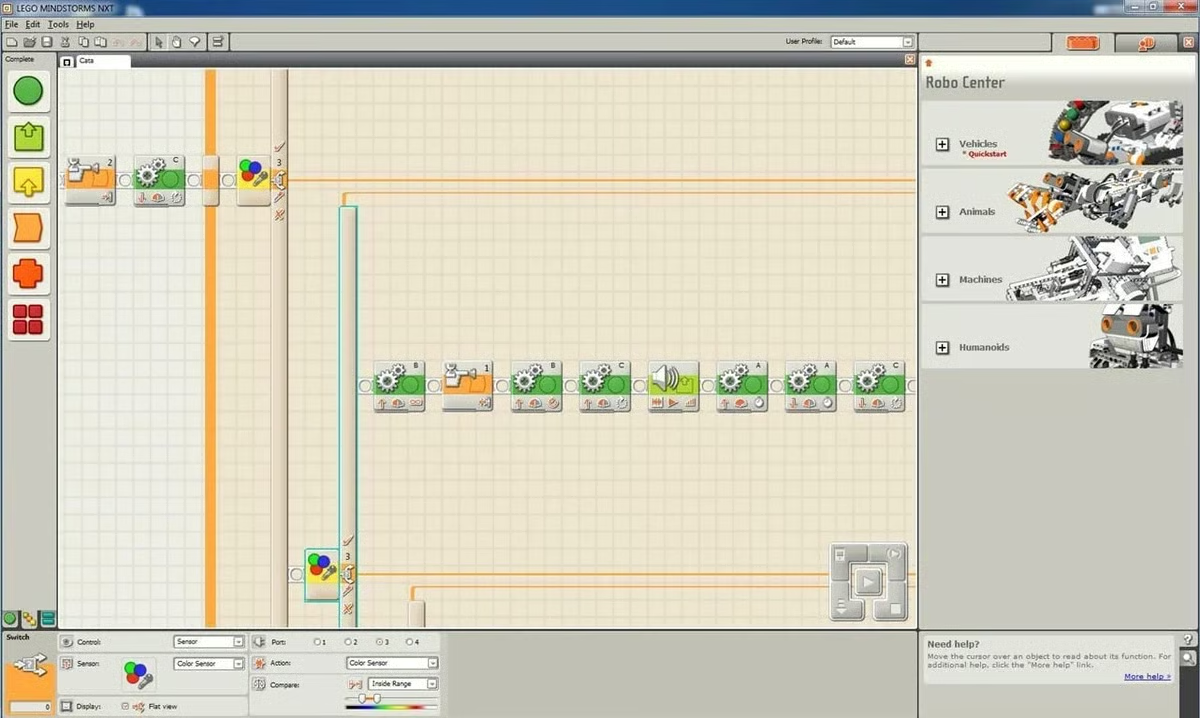
After building each project phase, it’s time to program the model. Step-by-step programming instructions are included. It is possible to bypass the programming instructions and have the software load the programs for the included models from memory; there is a button in the top left on the first programming instruction pane to perform this action.
Screenshot of LEGO Mindstorms NXT 2.0 software by Wally Bahny for TechRepublic
In addition to telling you where to place the programming tile, the software also tells you how to configure each tile to perform as LEGO intended.
Screenshot of LEGO Mindstorms NXT 2.0 software by Wally Bahny for TechRepublic
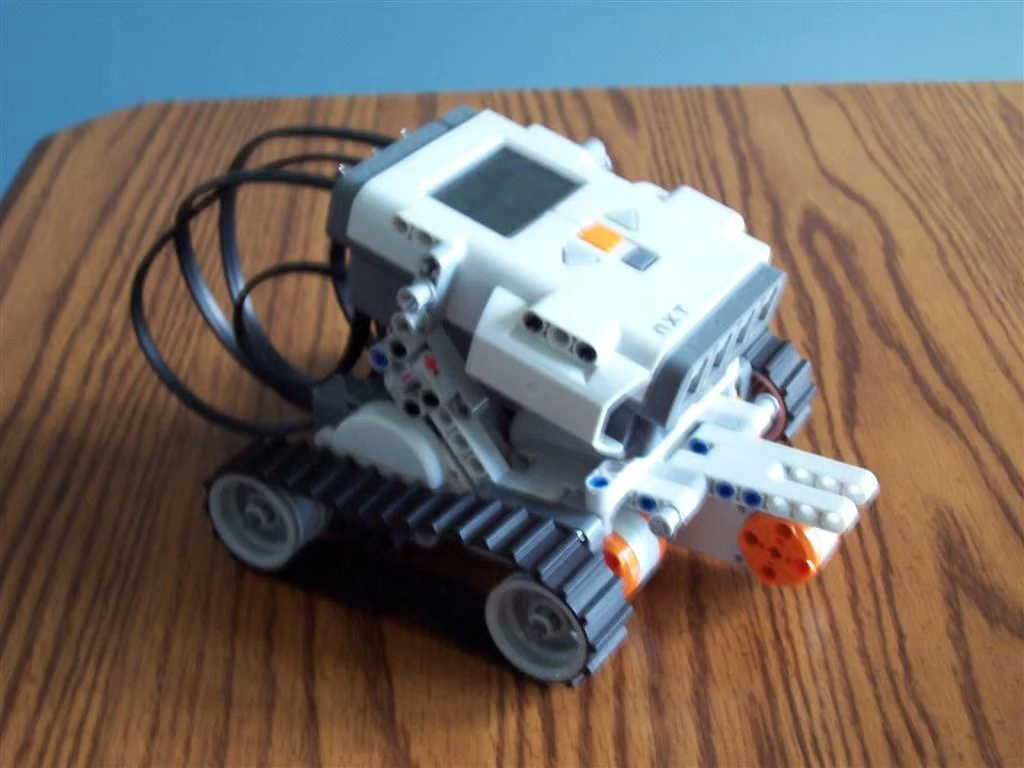
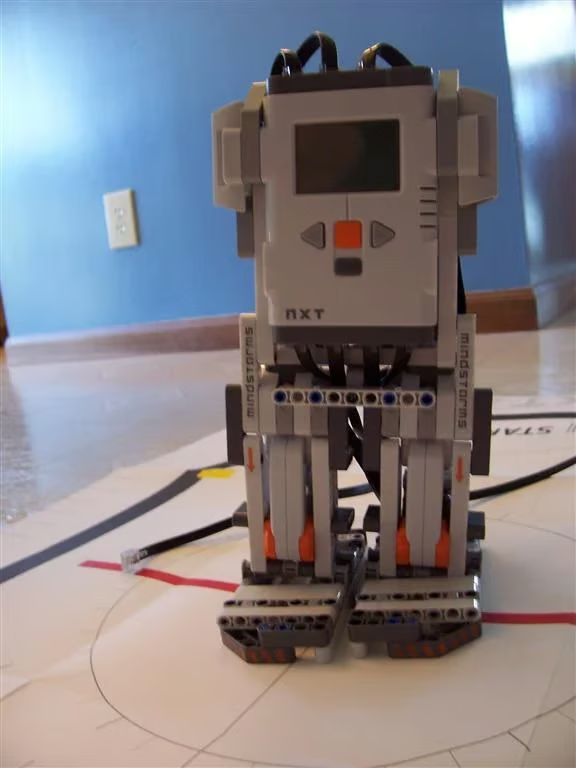
The first model to build is the quick start Driving Base. This model takes less than 30 minutes to build, and it can be used for a variety of vehicle-based projects available on the Mindstorms website as well as your own creations.
Photo of LEGO Mindstorms NXT 2.0 by Wally Bahny for TechRepublic
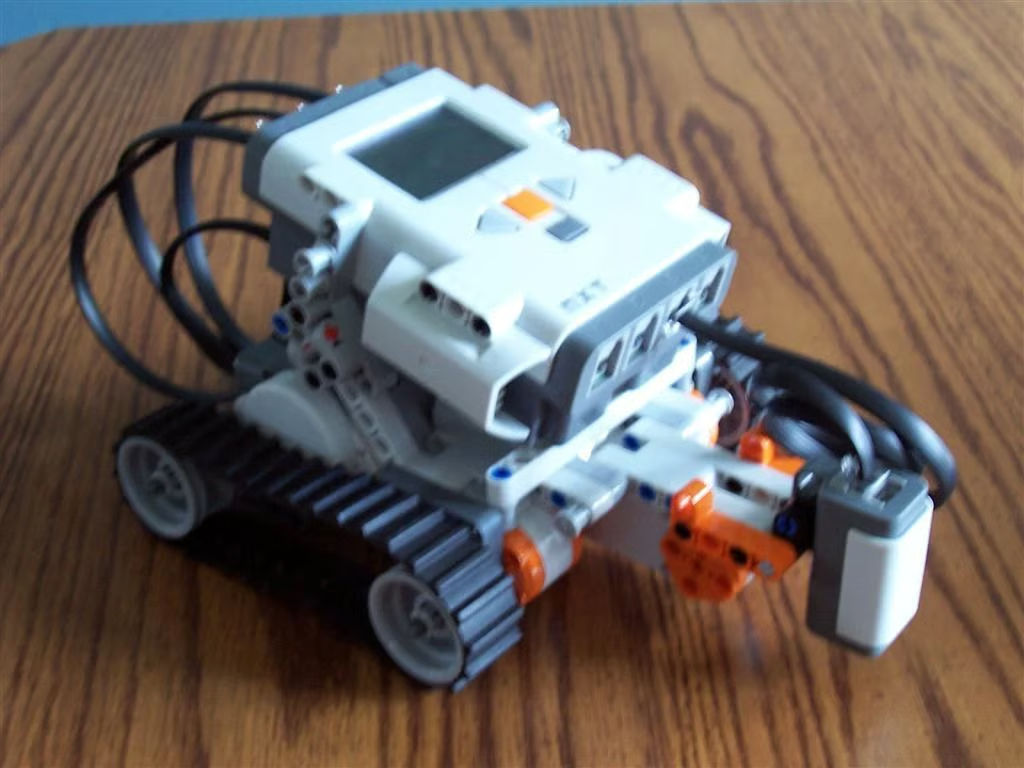
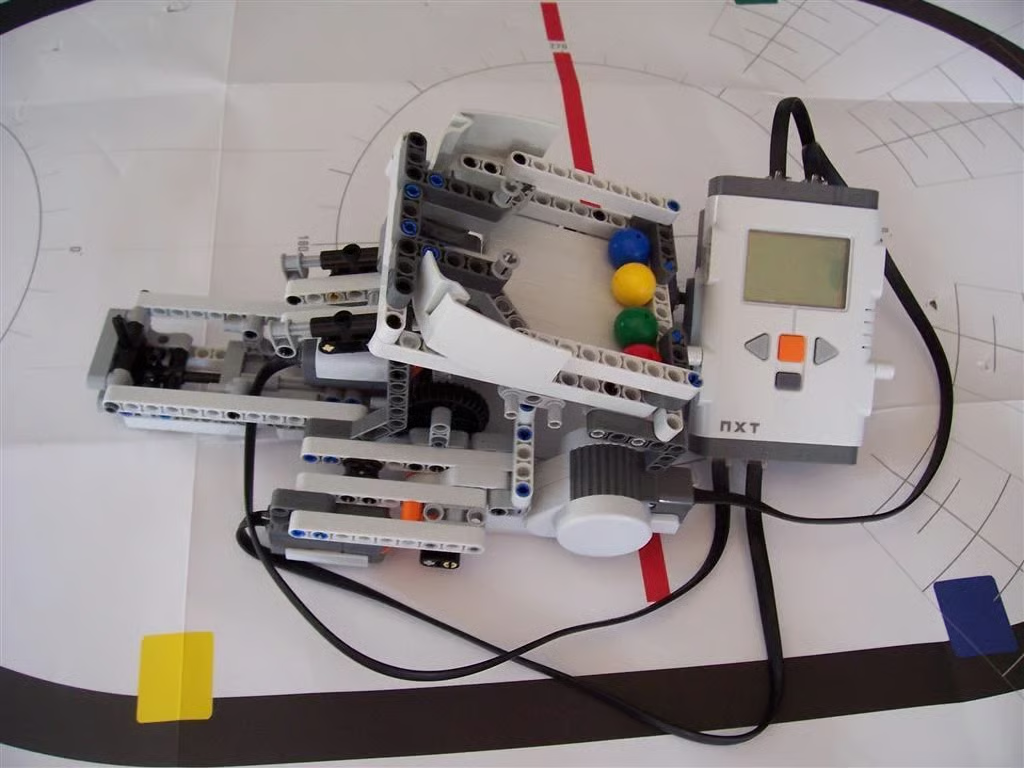
The next phase in the Shooterbot project is to teach Mindstorms to detect a specific color — in this case red — on the ground, turn around, and head back the other way. Adding the color sensor on the front is a simple enough process. Following the programming steps was equally simple and yields a fairly accurate color detector bot.
Photo of LEGO Mindstorms NXT 2.0 by Wally Bahny for TechRepublic
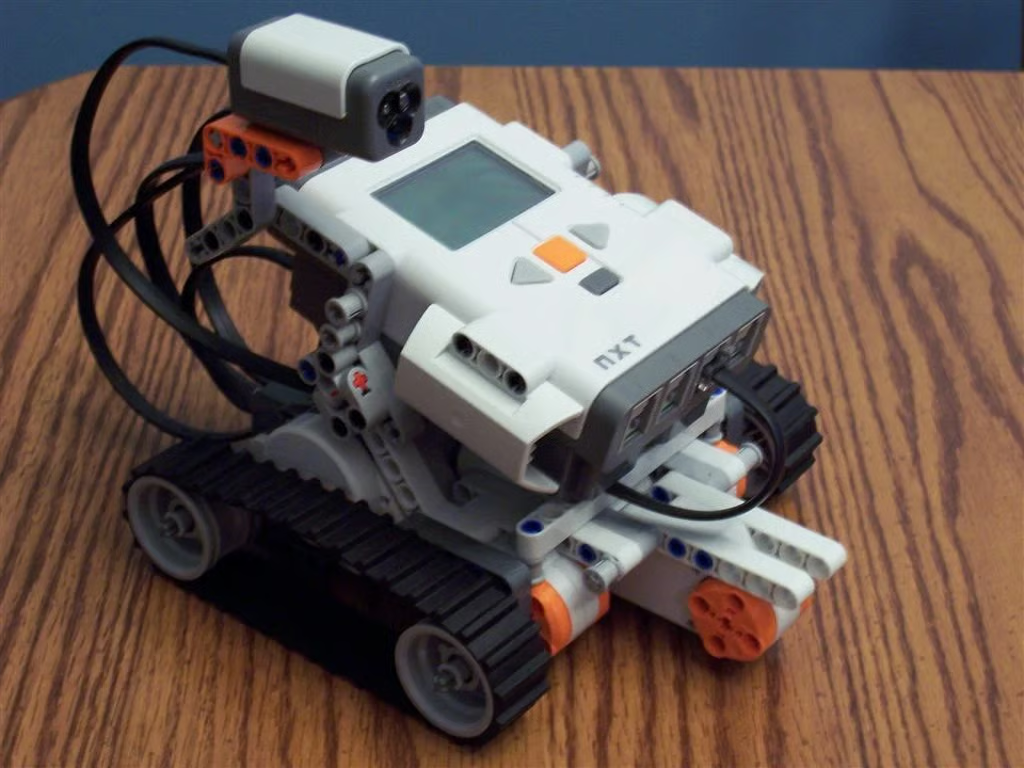
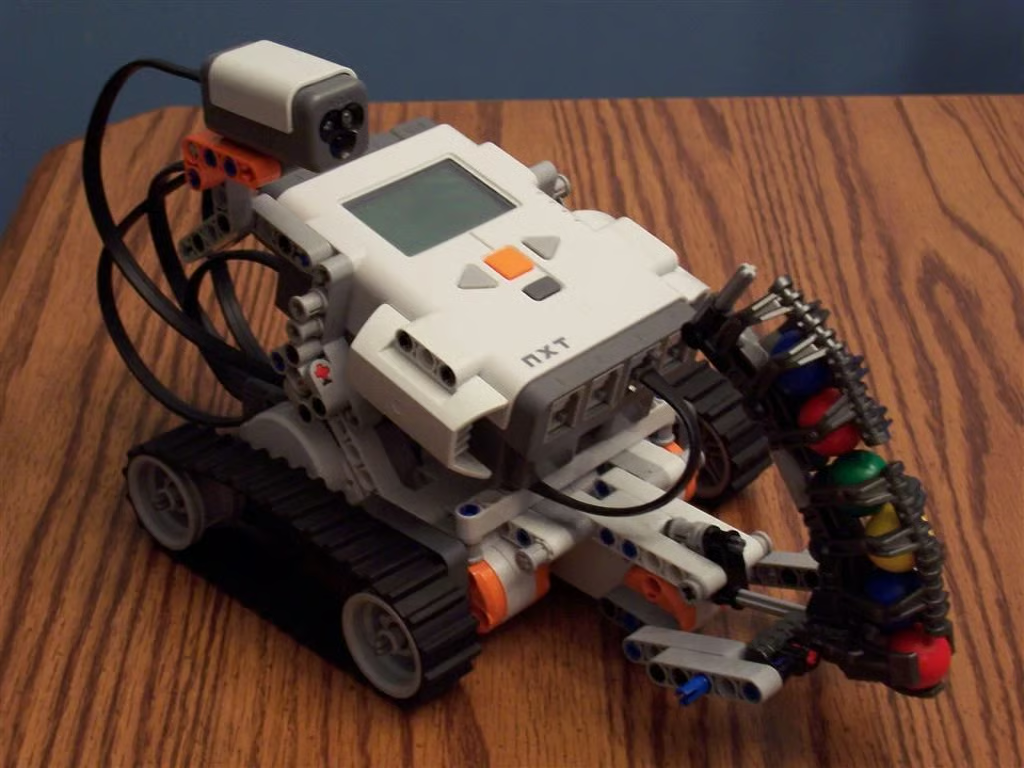
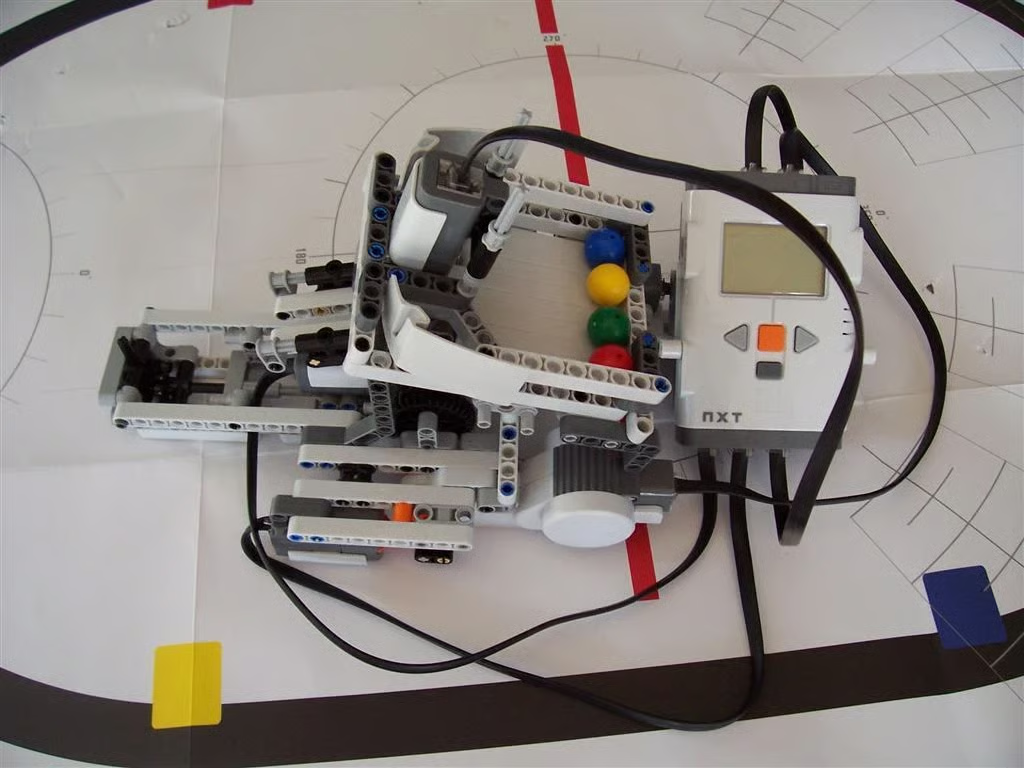
The third phase has the user move the color sensor up to the top of the Driving Base and convert its use to a lamp.
Photo of LEGO Mindstorms NXT 2.0 by Wally Bahny for TechRepublic
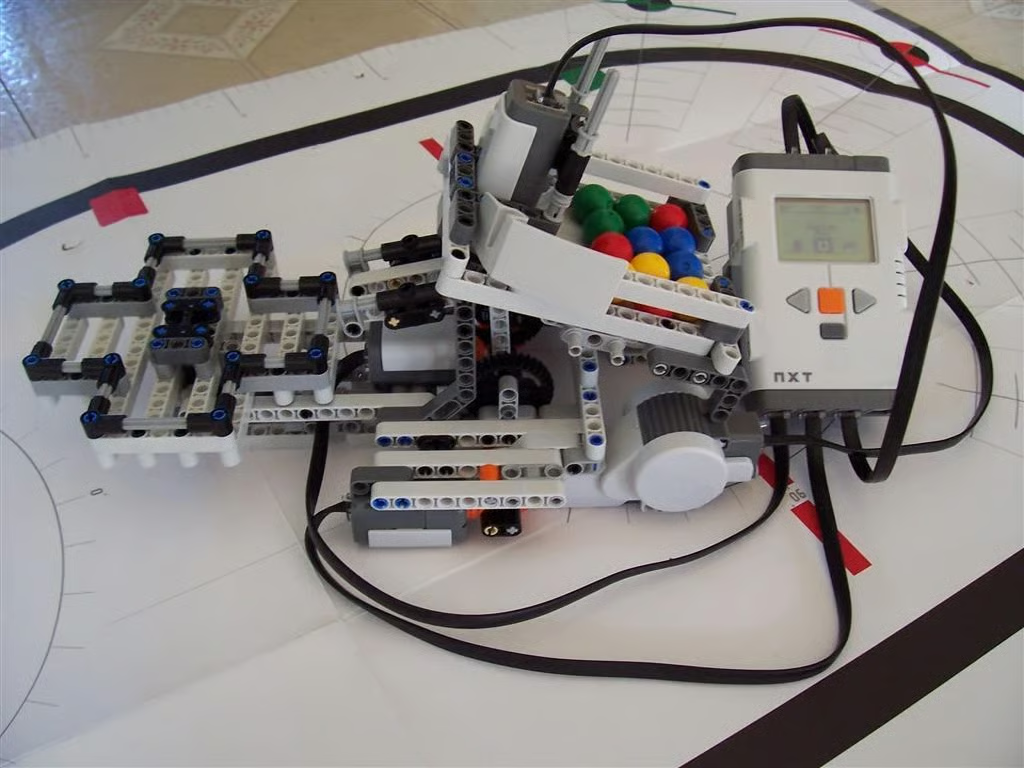
The third phase continues with the addition of the clip and shooting mechanism.
Photo of LEGO Mindstorms NXT 2.0 by Wally Bahny for TechRepublic
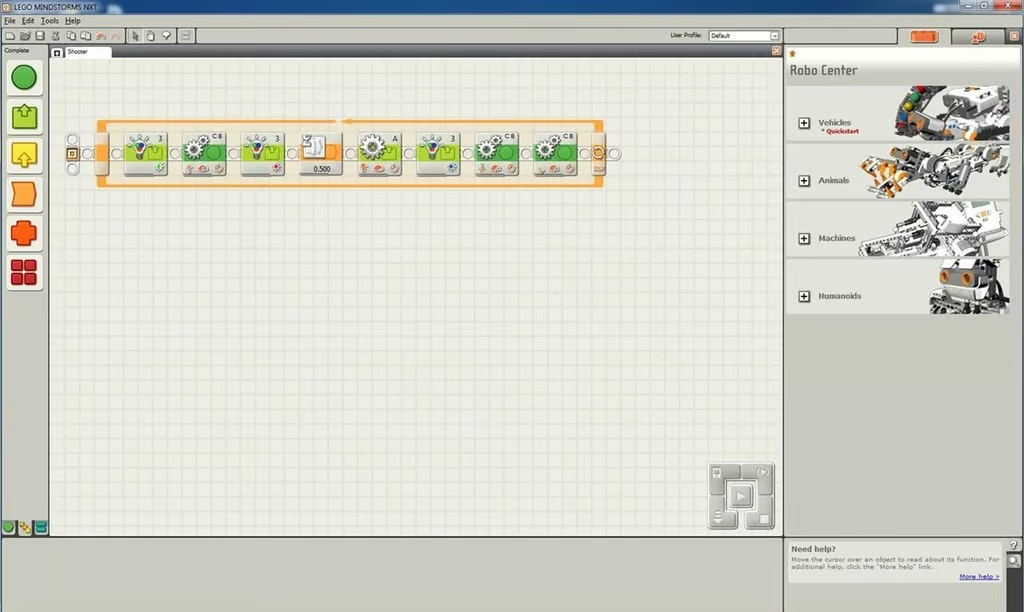
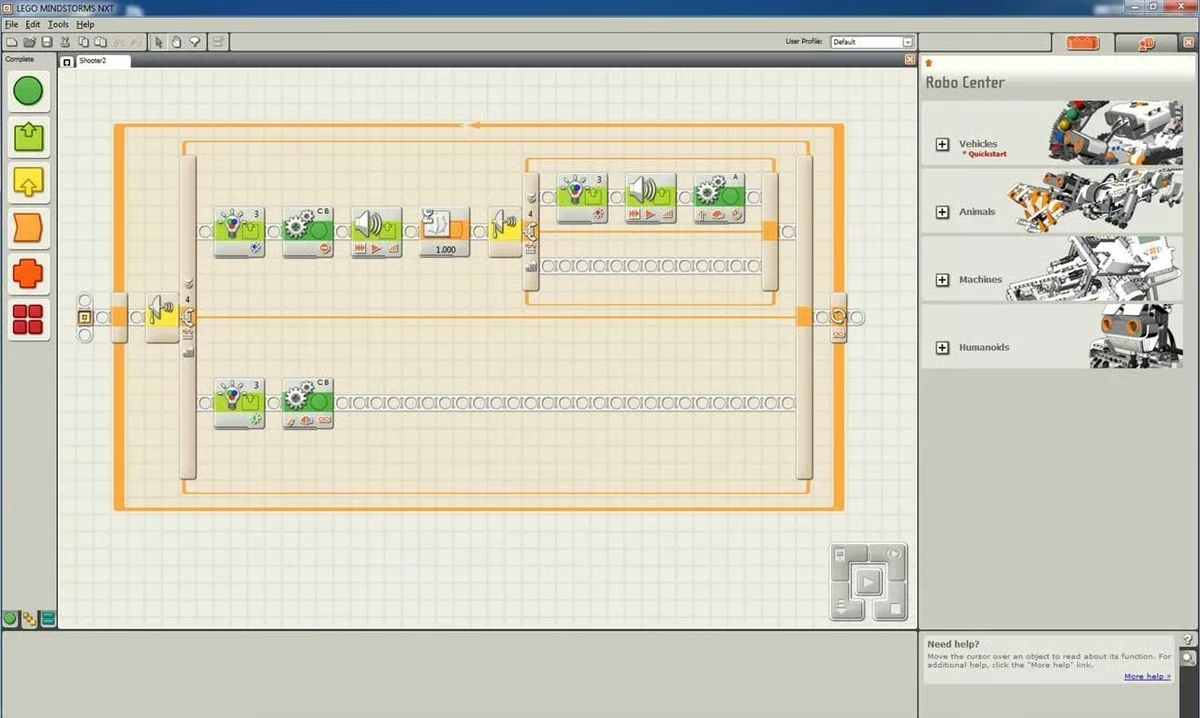
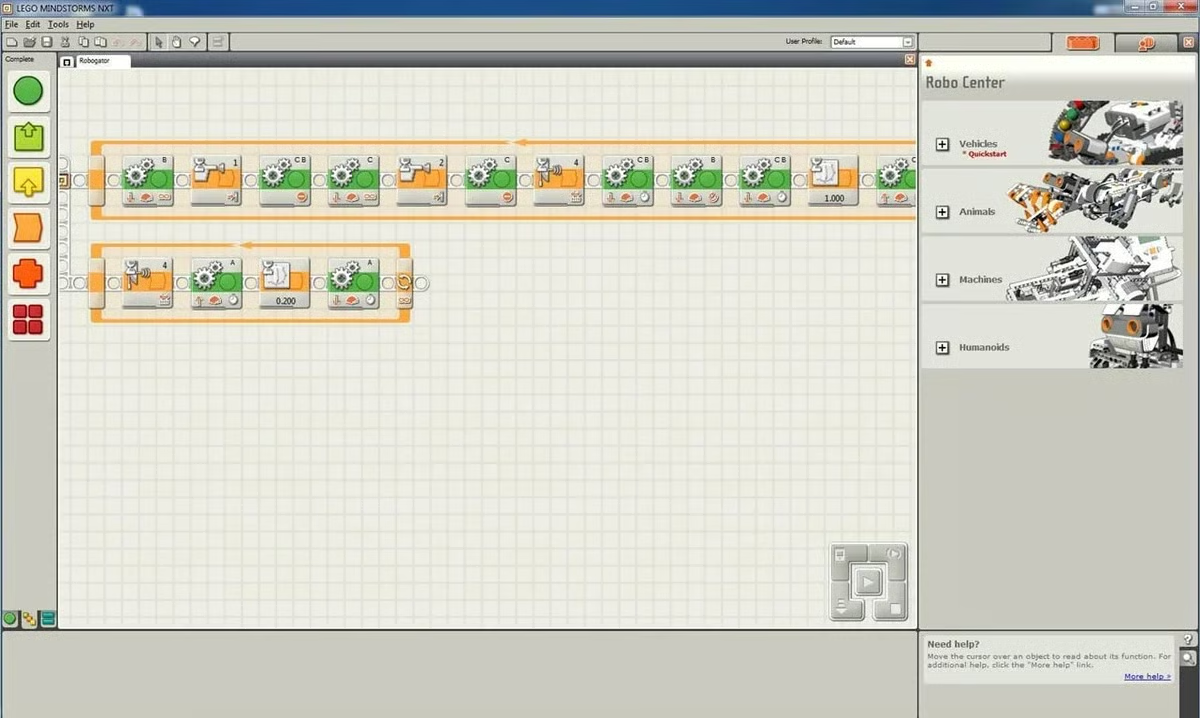
Finally, we program phase three. Each item below corresponds to a programming tile.