Unboxing Amazon’s Kindle

  • kindle1.jpg

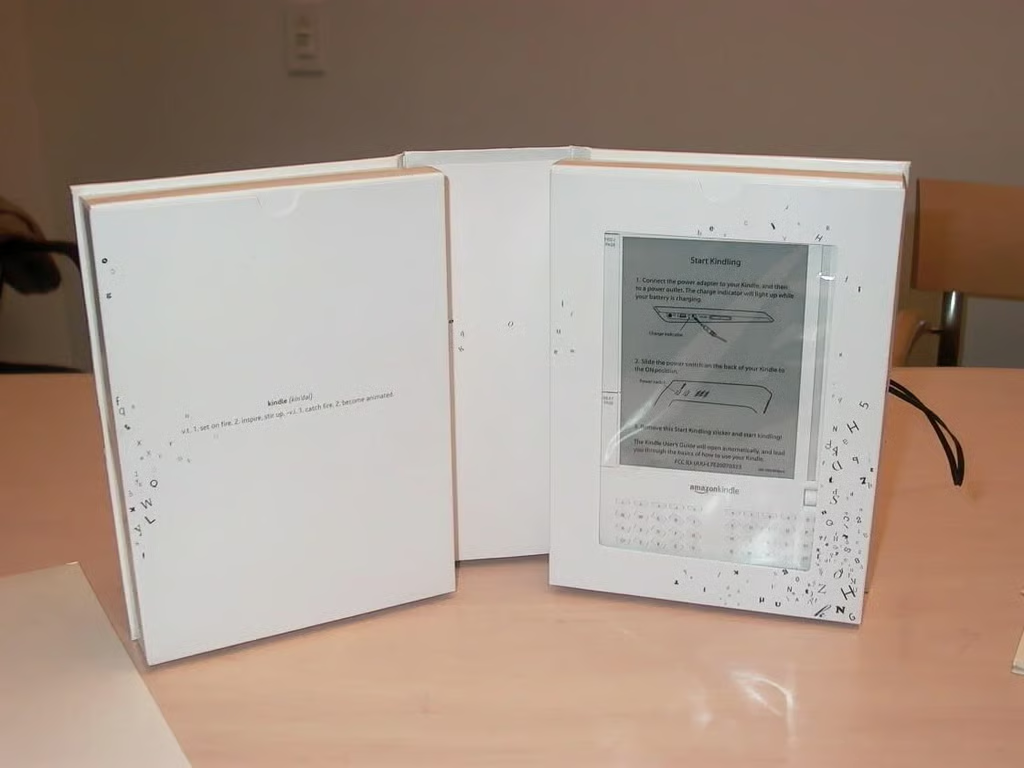
    Opening the Kindle box

    Opening the Kindle box. Packaging is certainly bookish. See more from the launch event.

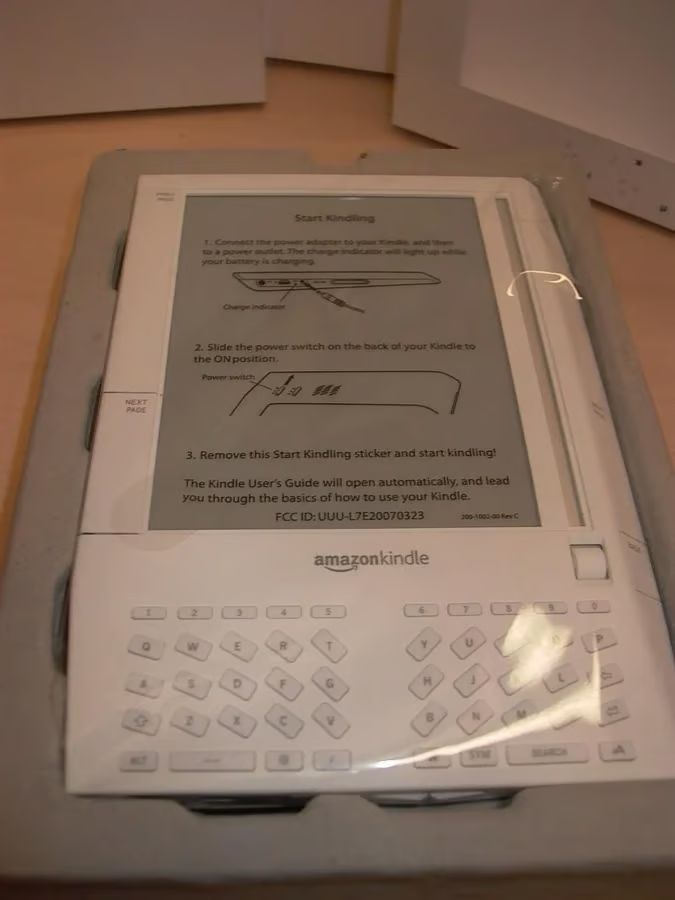
  • Initial guide

    Front of the Kindle with getting started guide. In a nutshell, it says plug it in and turn it on.

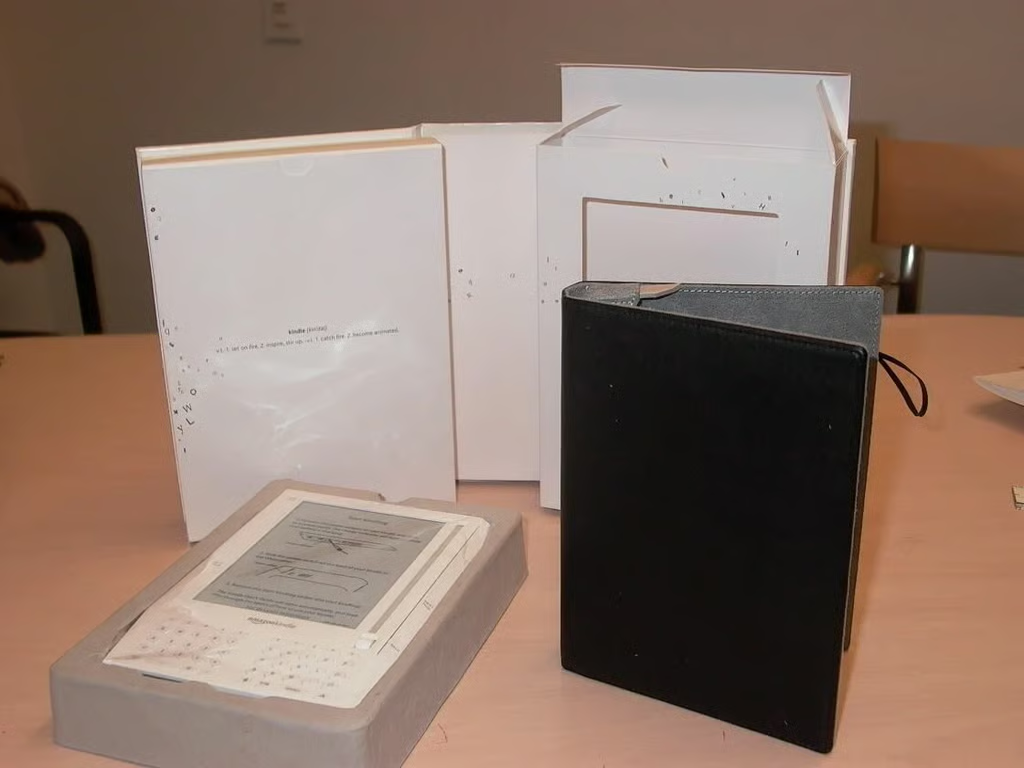
  • Book cover

    The Kindle comes with a handy book cover for protection.

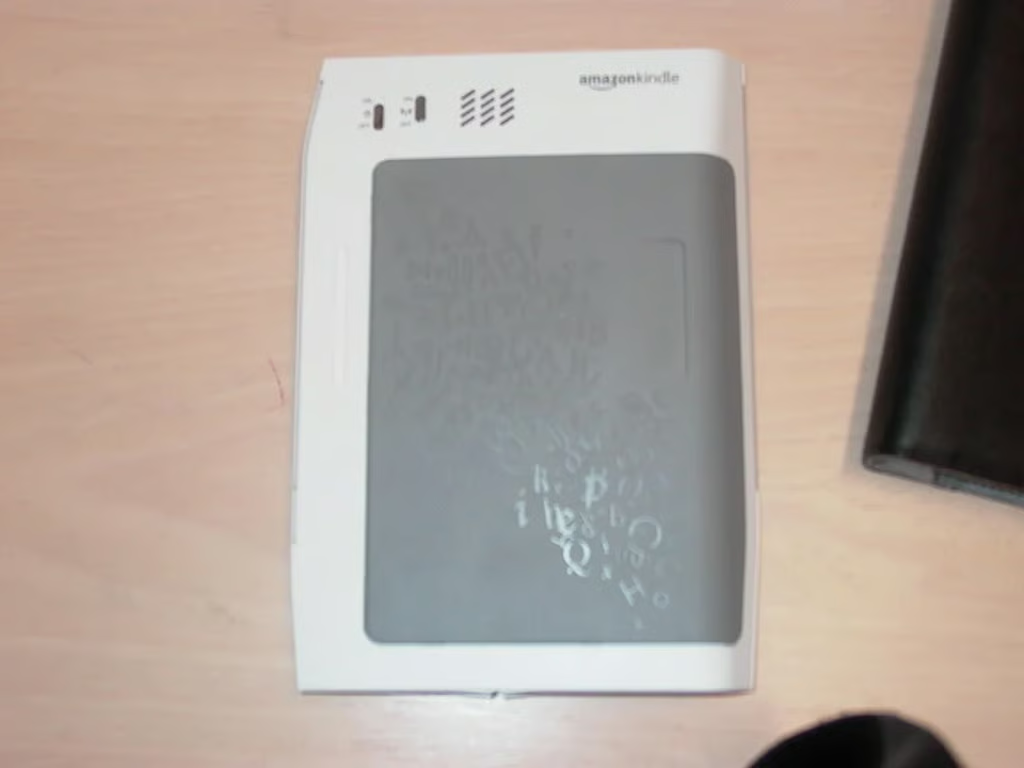
  • Back of Kindle

    The back side of the Kindle with some text flying around.

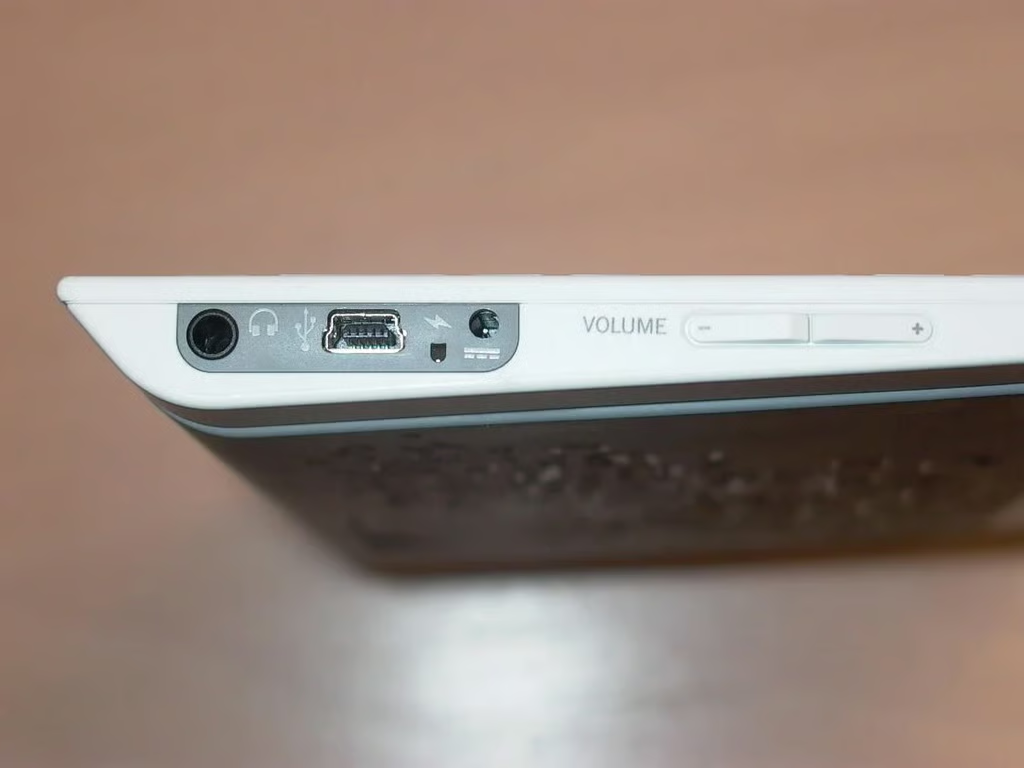
  • Ready for sound

    Headphones, power and USB port. Of course the Kindle doesn’t need a PC and isn’t supposed to play music. Hmm.

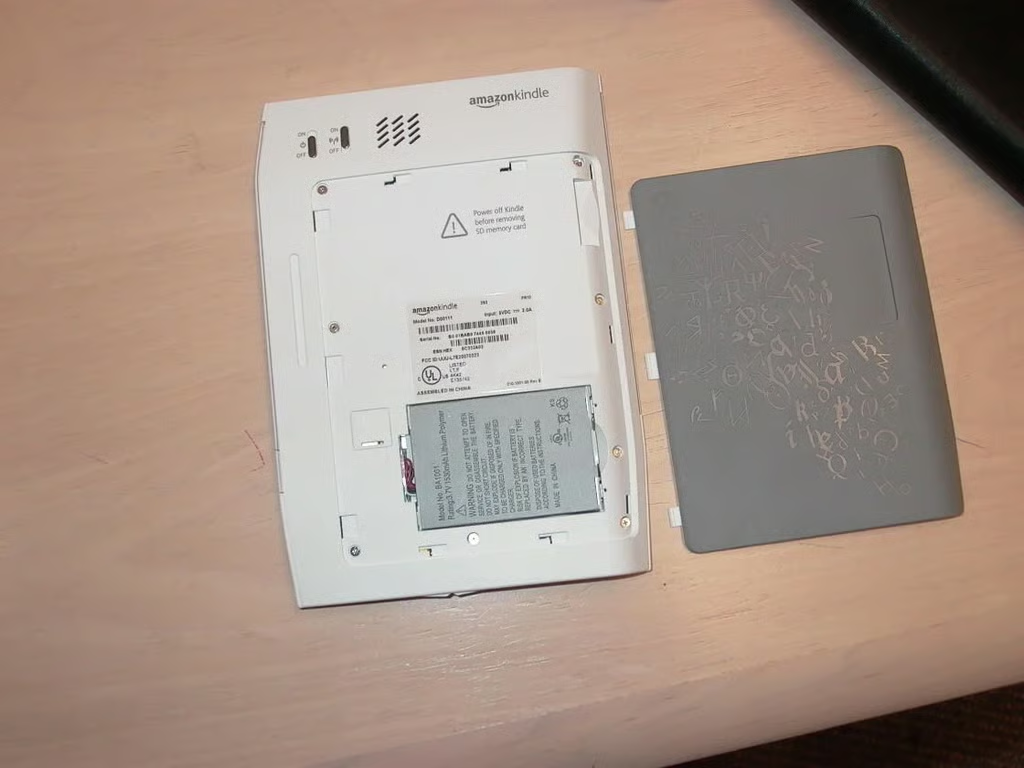
  • Finding the battery

    Remove the back casing and you find the battery.

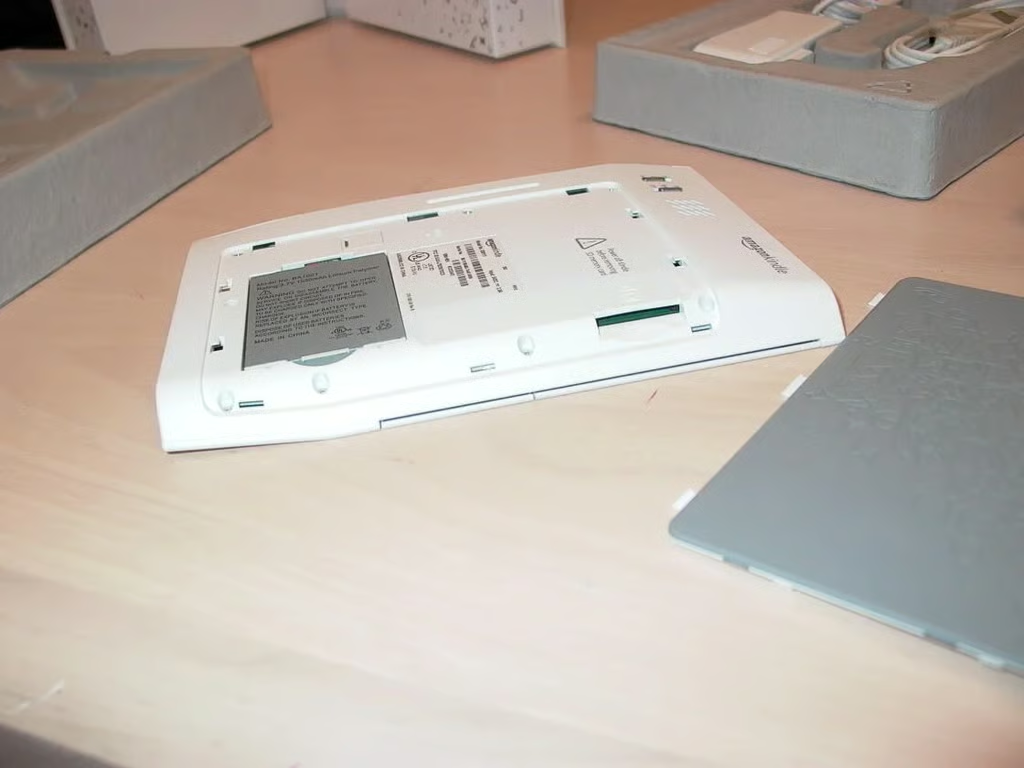
  • Memory card slot

    At right is a memory card slot.

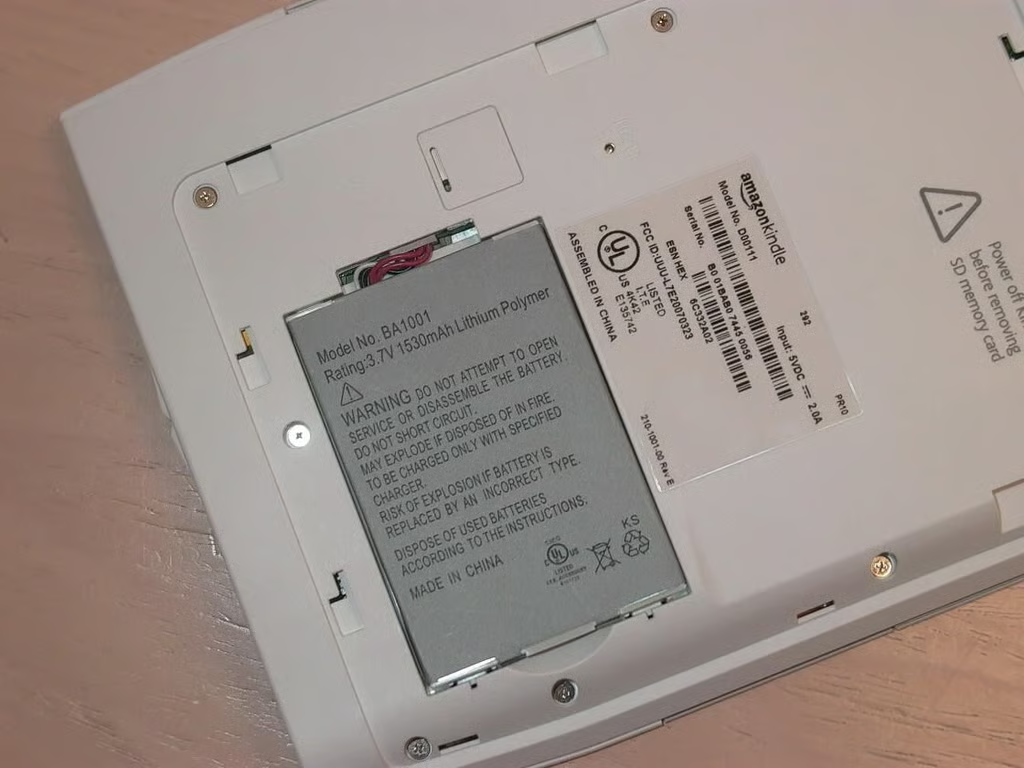
  • Battery up close

    A closer look at the battery.

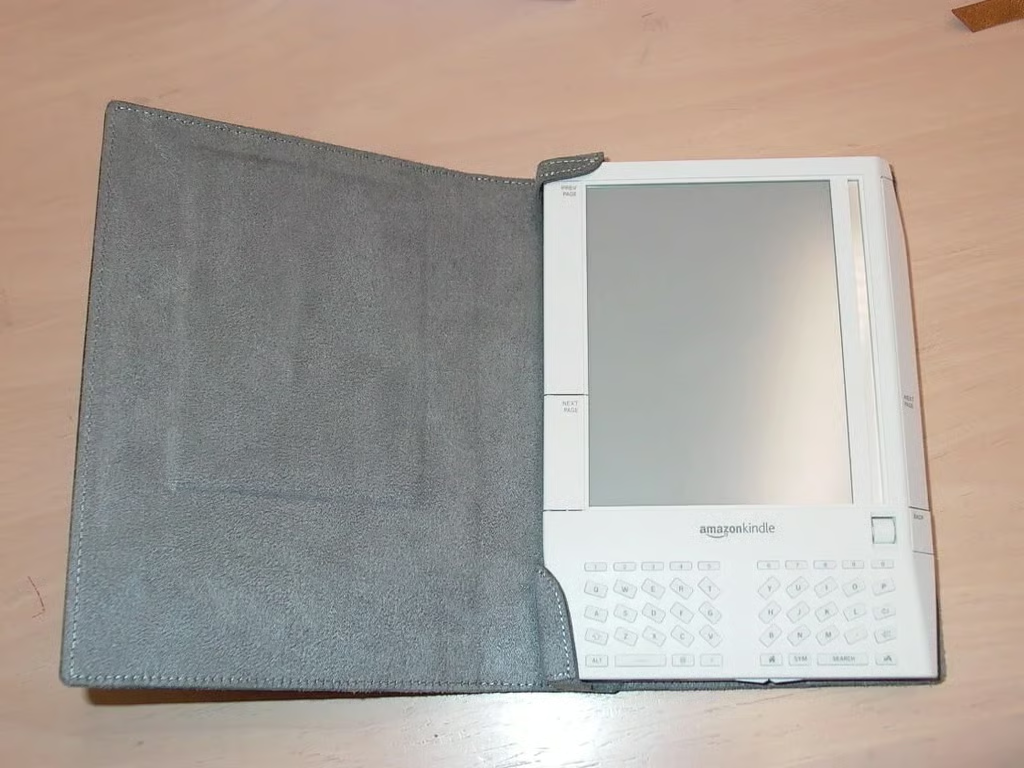
  • Kindle's cover

    The Kindle in its book cover.

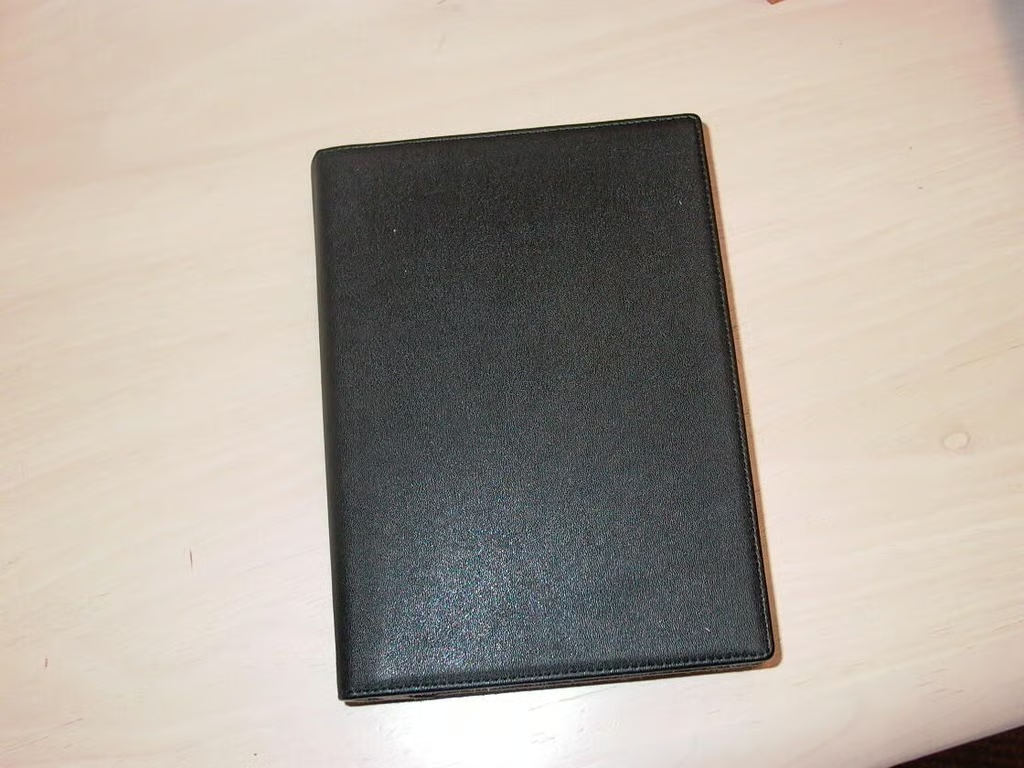
  • Kindle closed

    Closing the book on the Kindle–for now.

1 of 10
Larry Dignan

Larry Dignan

Content Writer

Larry formerly served as the East Coast news editor and Finance Editor at CNET News.com. Prior to that, he was editor of Ziff Davis Inter@ctive Investor, which was, according to Barron's, a Top-10 financial site in the late 1990s. Larry has covered the technology and financial services industry since 1995, publishing articles in WallStreetWeek.com, Inter@ctive Week, The New York Times, and Financial Planning magazine.