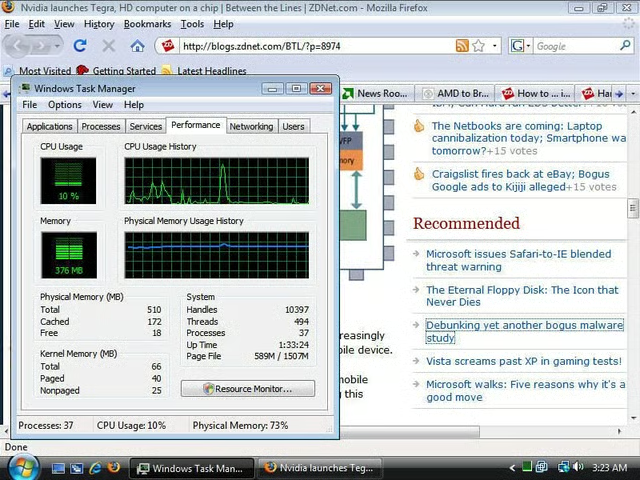
This morning I came across an article on Neosmart claiming that Firefox 3.0 is, despite the best attempts of the Mozilla dev team, still a massive memory hog.
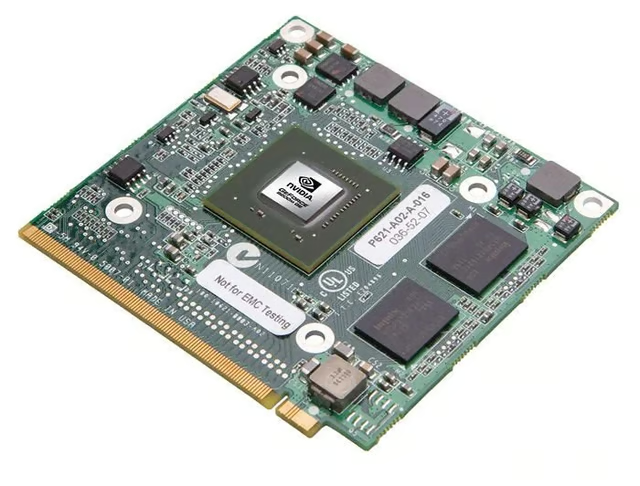
NVIDIA, responding to user demands for a better visual experience when using notebook PCs, announces the GeForce 9M Series of graphics processors, and a new graphics innovation, Hybrid SLI technology.
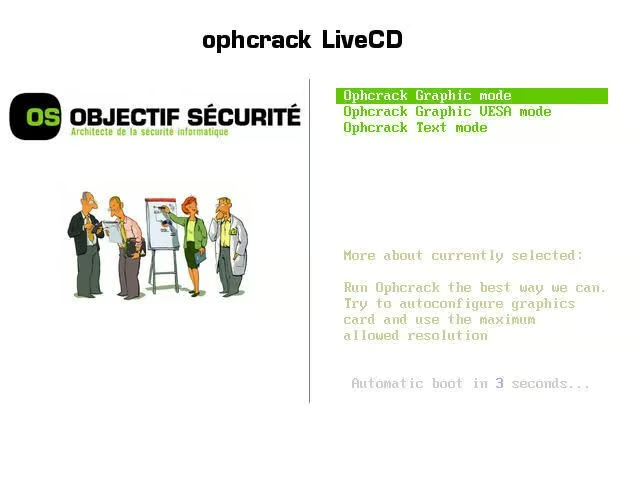
Earlier today I downloaded the latest Live CD for Ophcrack, the Windows password cracker, and tried it out on a Vista install to see how good of a password buster it is.
Conclusion: Either choose strong passwords, or don’t bother with a password at all.
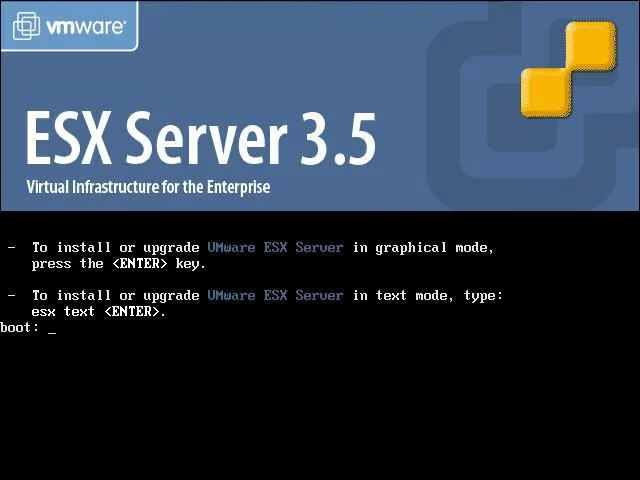
This will be my first in a series (an “X = X +1” sort of series) where I’ll be looking at virtualization. However, rather than look at the kind of virtualization where you inxstall and OS like Windows, Mac OS or Linux and then install an application that allows you to create virtual machines, I’m going to be looking at virtualization at a much lower level using VMware’s ESX 3.5 and Infrastructure applications. I’m going to start off by looking at VMware ESX and taking you through the install process.
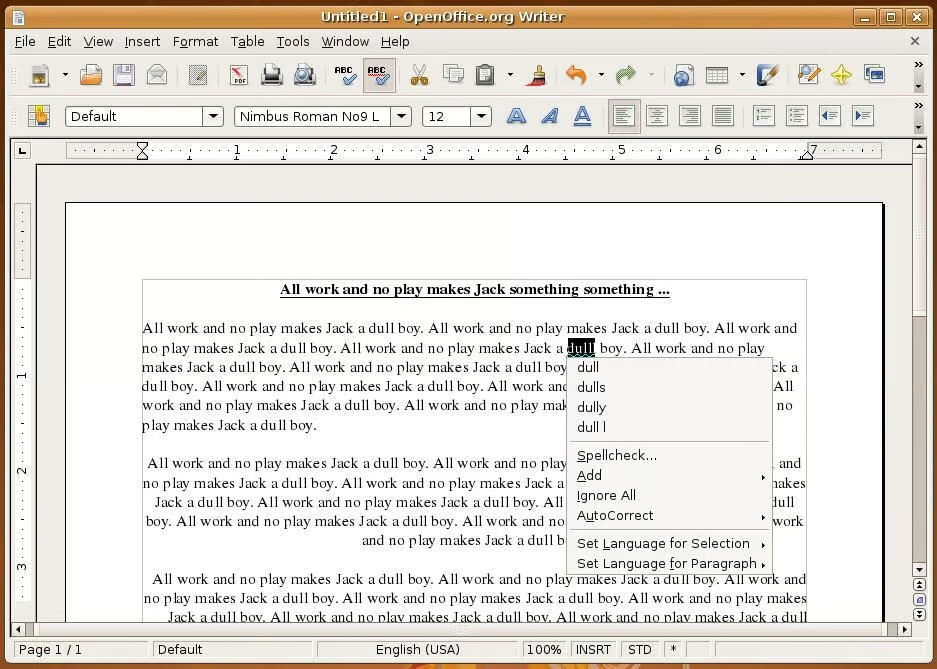
I’ve decided to put together a few posts that look at open source apps on Linux. These posts are aimed mostly at those people who are thinking about making the switch to Linux or who have started to but still rely on Windows a majority of the time (although if you are a veteran Linux user, feel free to chip in with hints and tips!).
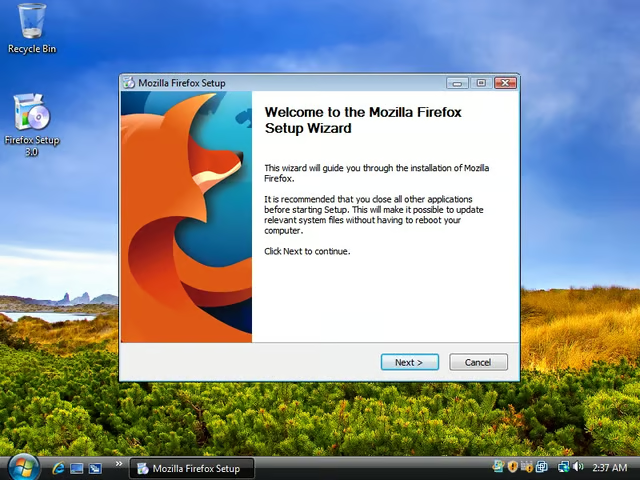
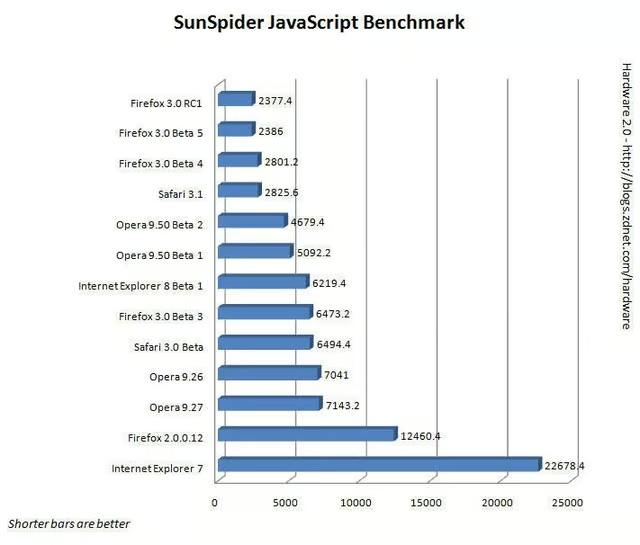
Many of you will know that I’ve been following the progress of the Firefox 3.0 browser. Yesterday the browser entered an important phase of development with the unveiling of Release Candidate 1 (RC1).